The brief: Othmane Gacem, a finance professional and educator, came with an early concept: AI assistants that help people plan, save and invest, on top of clear dashboards. He needed it turned into a polished product that scales as new assistants are added, works on any screen, and looks trustworthy in a category full of noisy, overly playful apps.
What I did:
- Ran stakeholder interviews, a design audit and competitor research to see where AI insights fit into everyday money decisions.
- Mapped the core flows - onboarding, bank connection, the home feed and assistants for retirement, savings, a car and property.
- Designed each assistant as a card and a guided wizard: set a goal, run a simulation, get a recommendation.
- Structured the feed and dashboard to work at two depths - a quick read at a glance, full detail on expand.
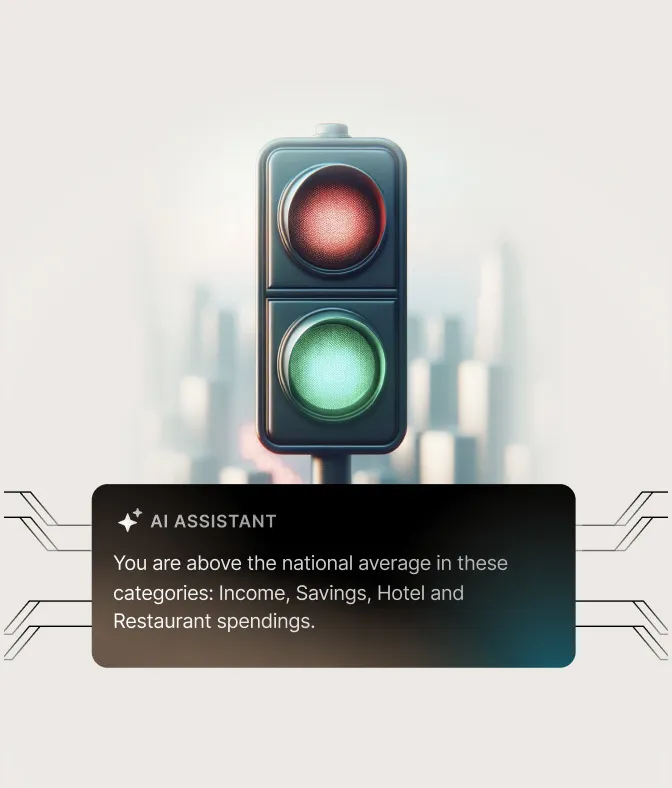
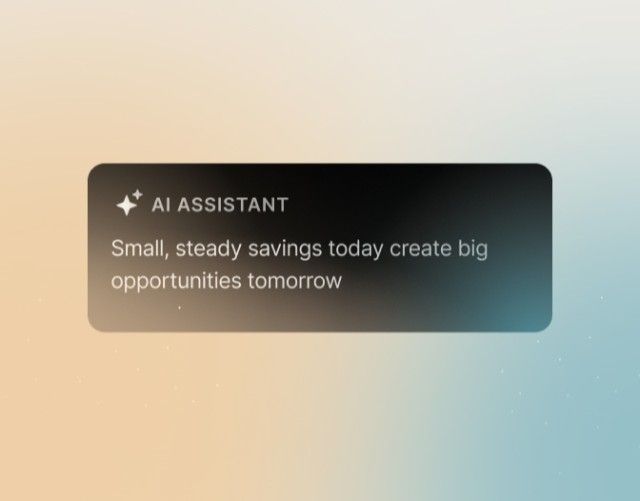
- Set the visual direction with the Efficy team: black and white, warm gradients and metaphorical 3D imagery.
- Built the design system, adapted every flow for mobile and extended the language to the website.
Result: A product and a website that speak one visual language, a design system the developers build from, and a structure that takes new assistants without a redesign.

Design process
1.Research & exploration
- Stakeholder interviews
- Design audit
- Business & competitor research
- Low-fidelity wireframes
2.Branding & web
- Visual direction exploration
- Client testing
- Brand guidelines
- Website draft
3.Design & prototyping
- High-fidelity screens
- Design system
- Work with stakeholders & developers
Features
Onboarding
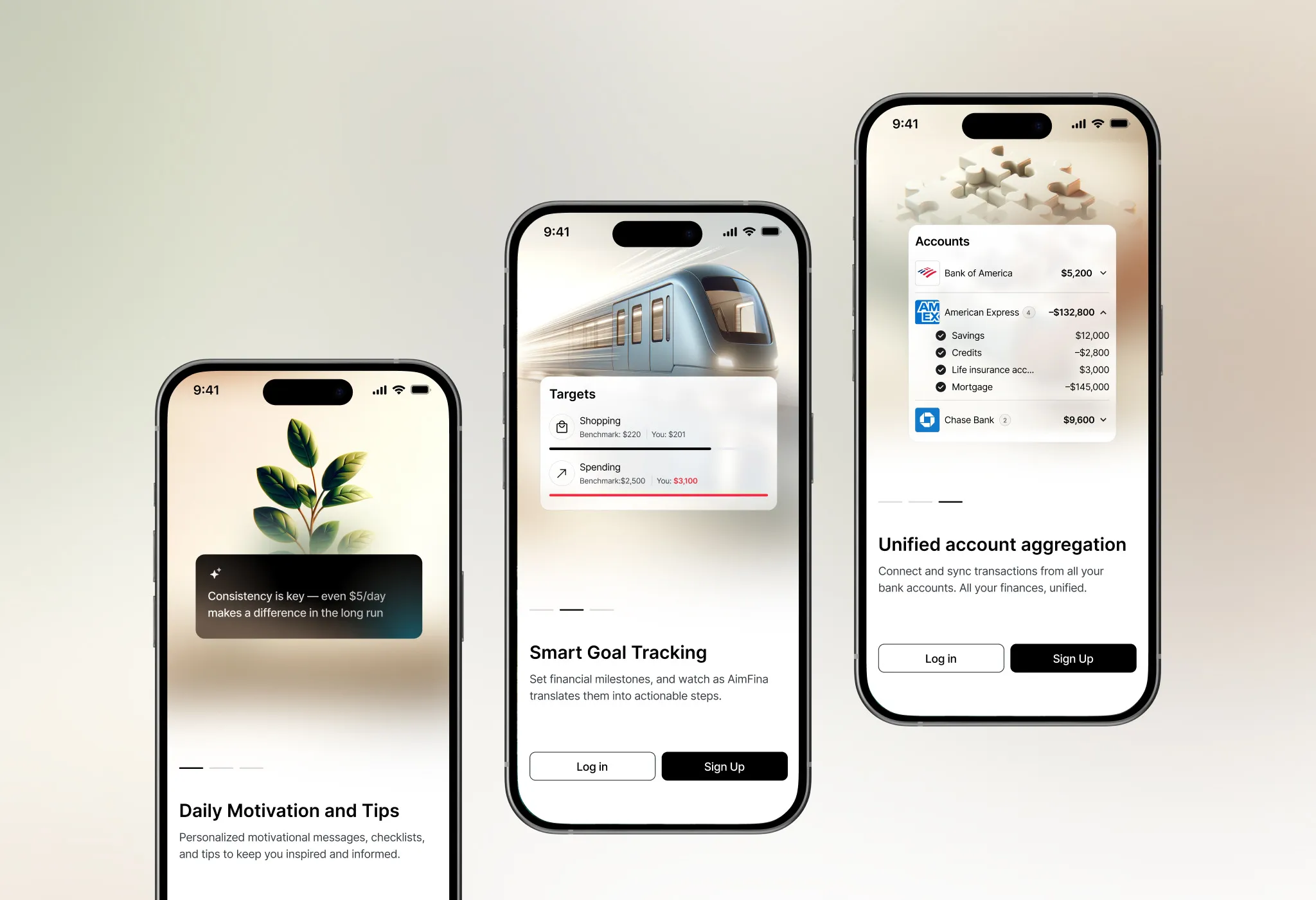
Three screens explain what Aimfina does: daily AI tips, goal tracking and all accounts in one place - each paired with a 3D metaphor.
My banks
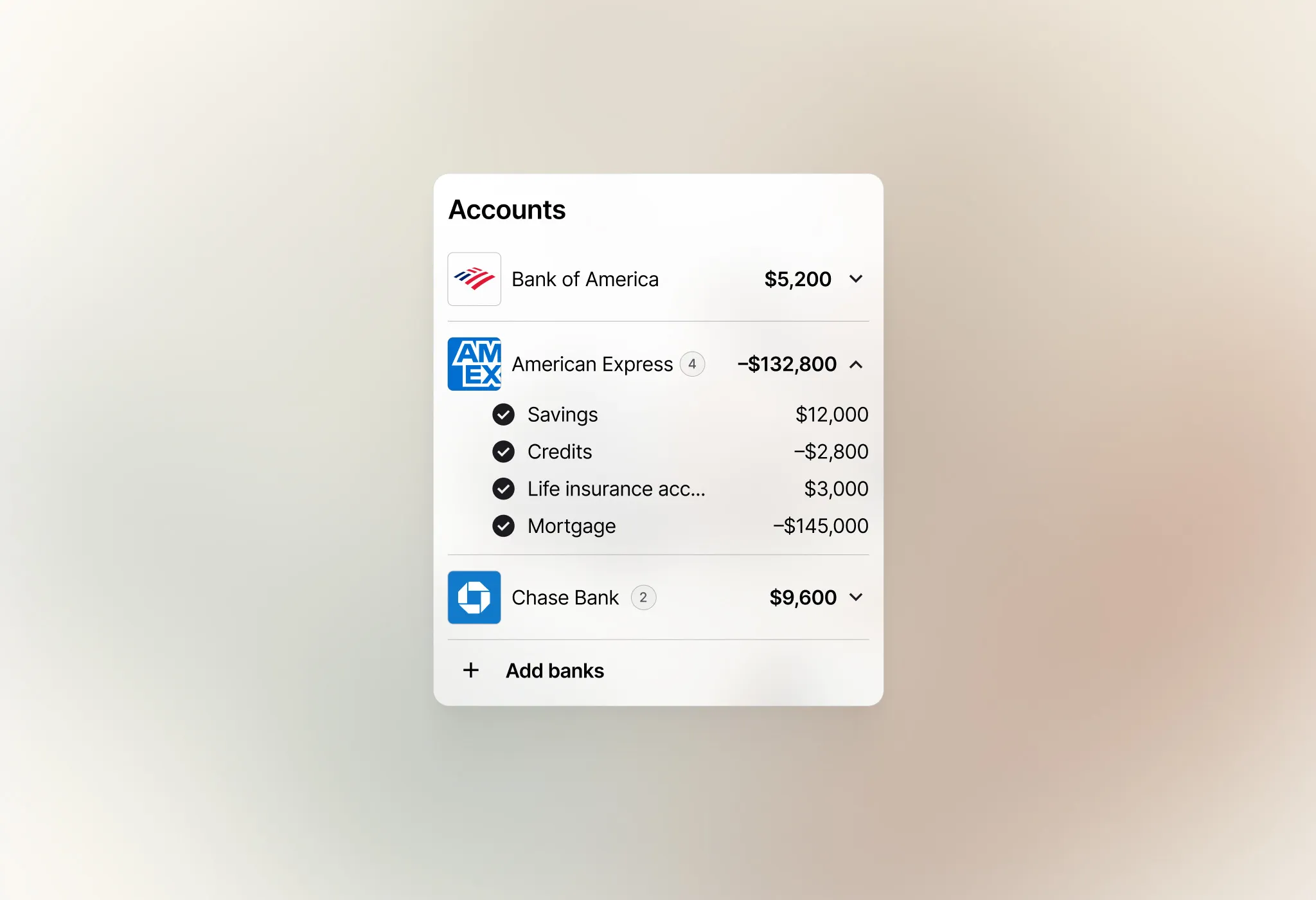
Users connect their accounts and see balances by category - savings, credits, mortgages - so every assistant works with real data.
Home feed
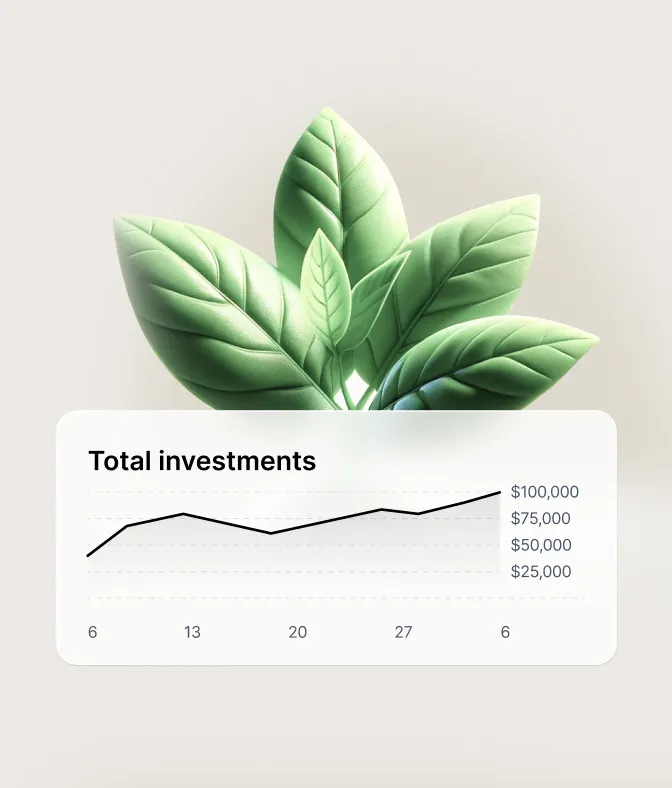
Active assistants and quick insights: above or below national averages, spending against benchmarks, progress toward goals.
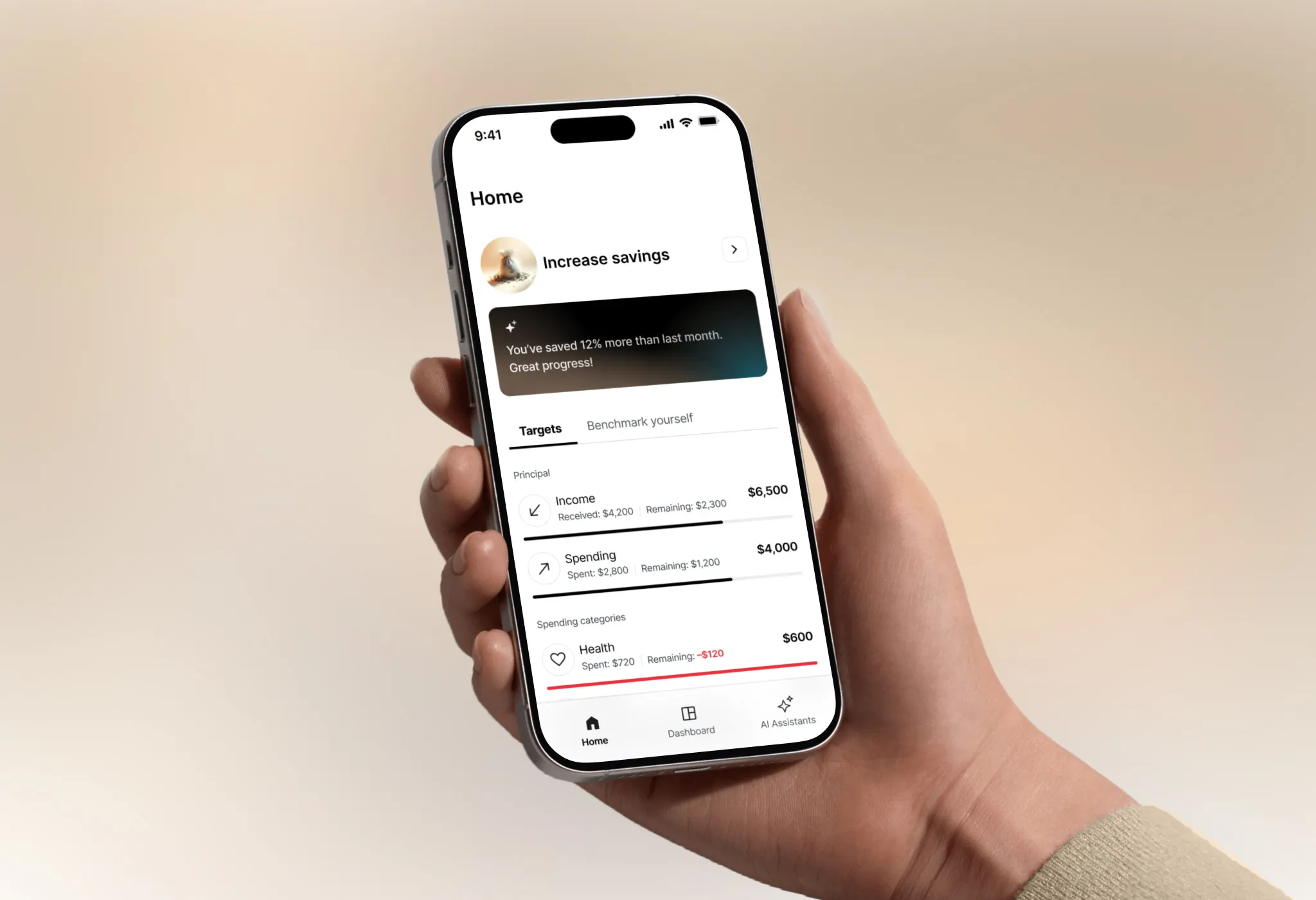
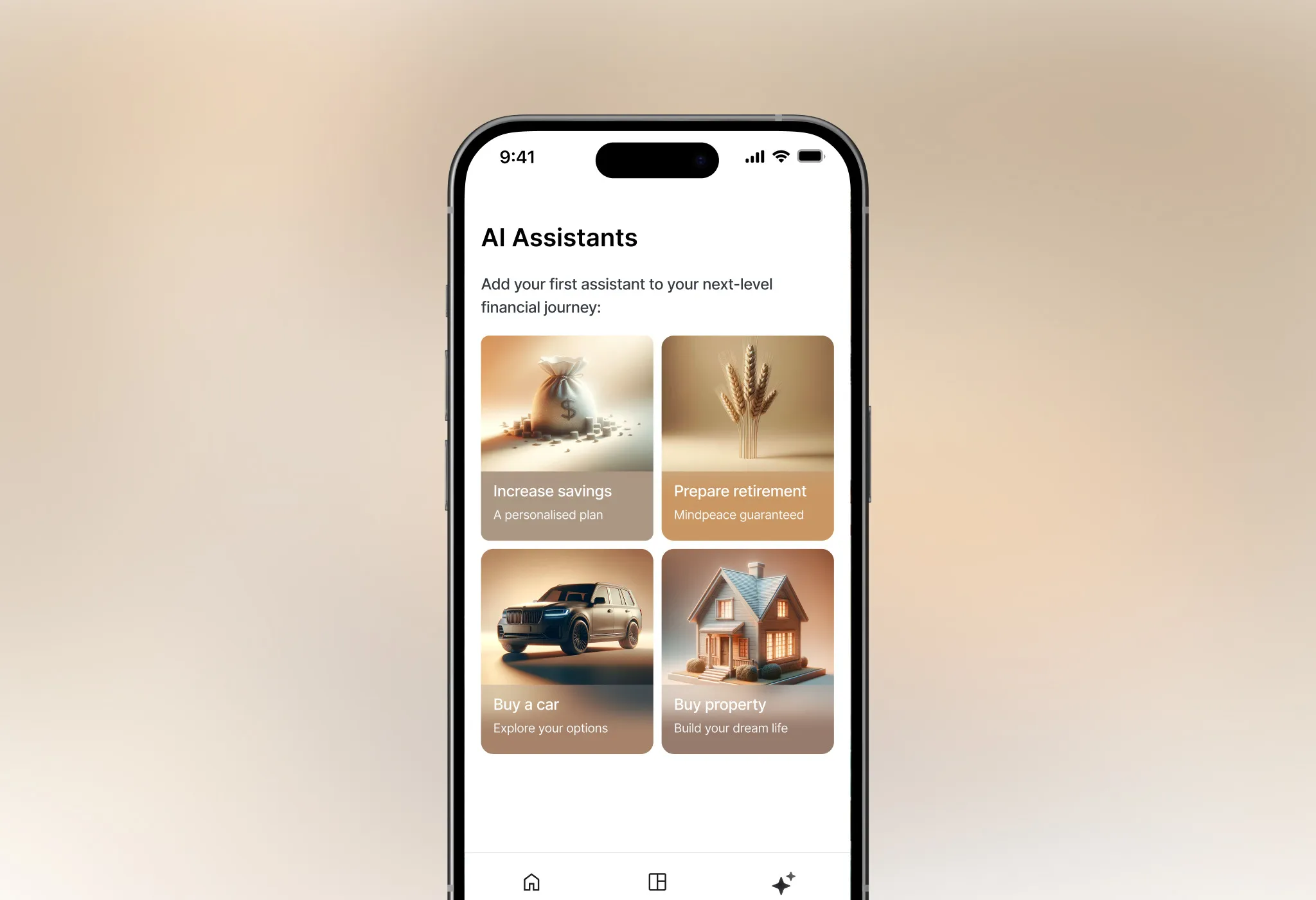
AI assistants
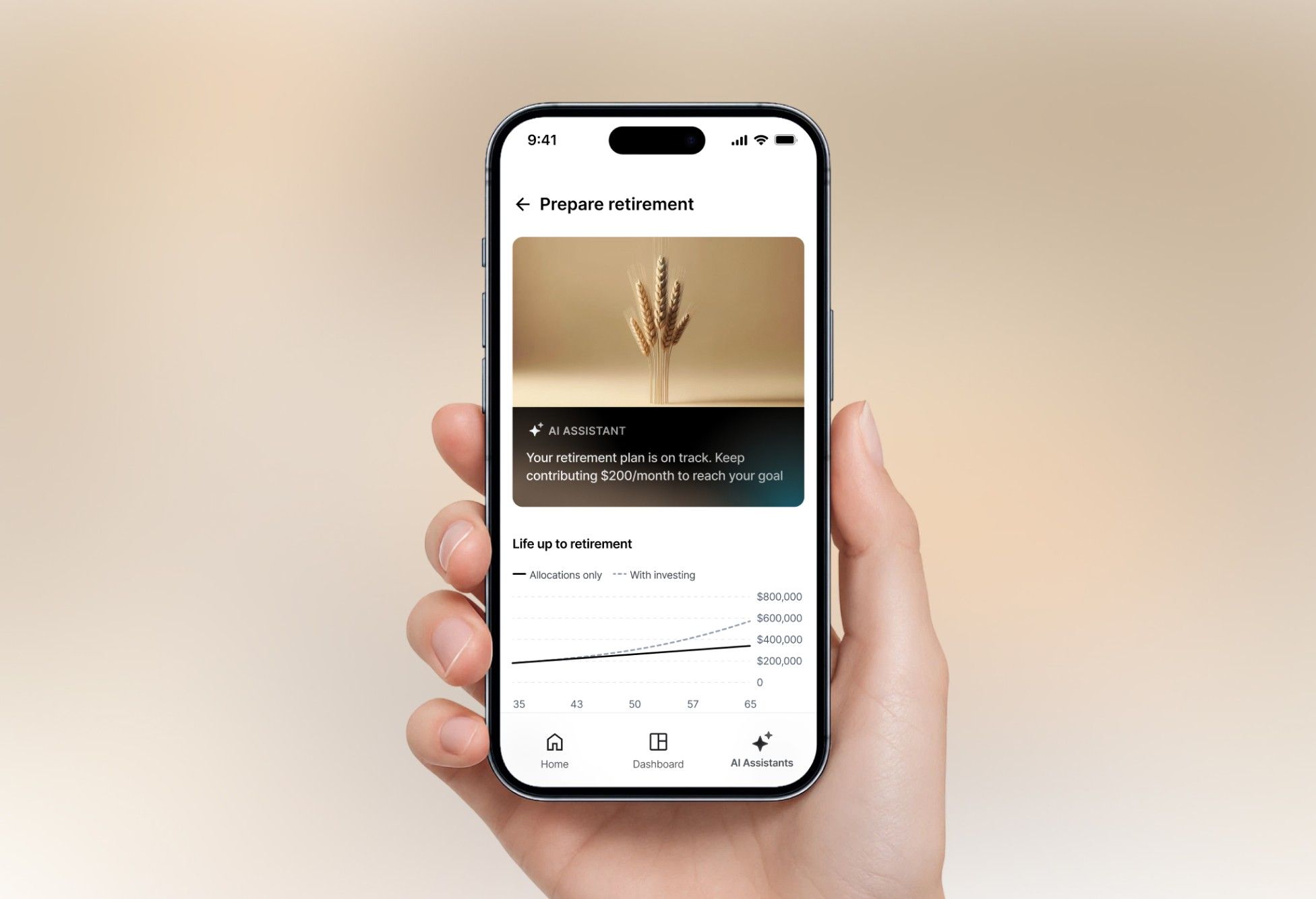
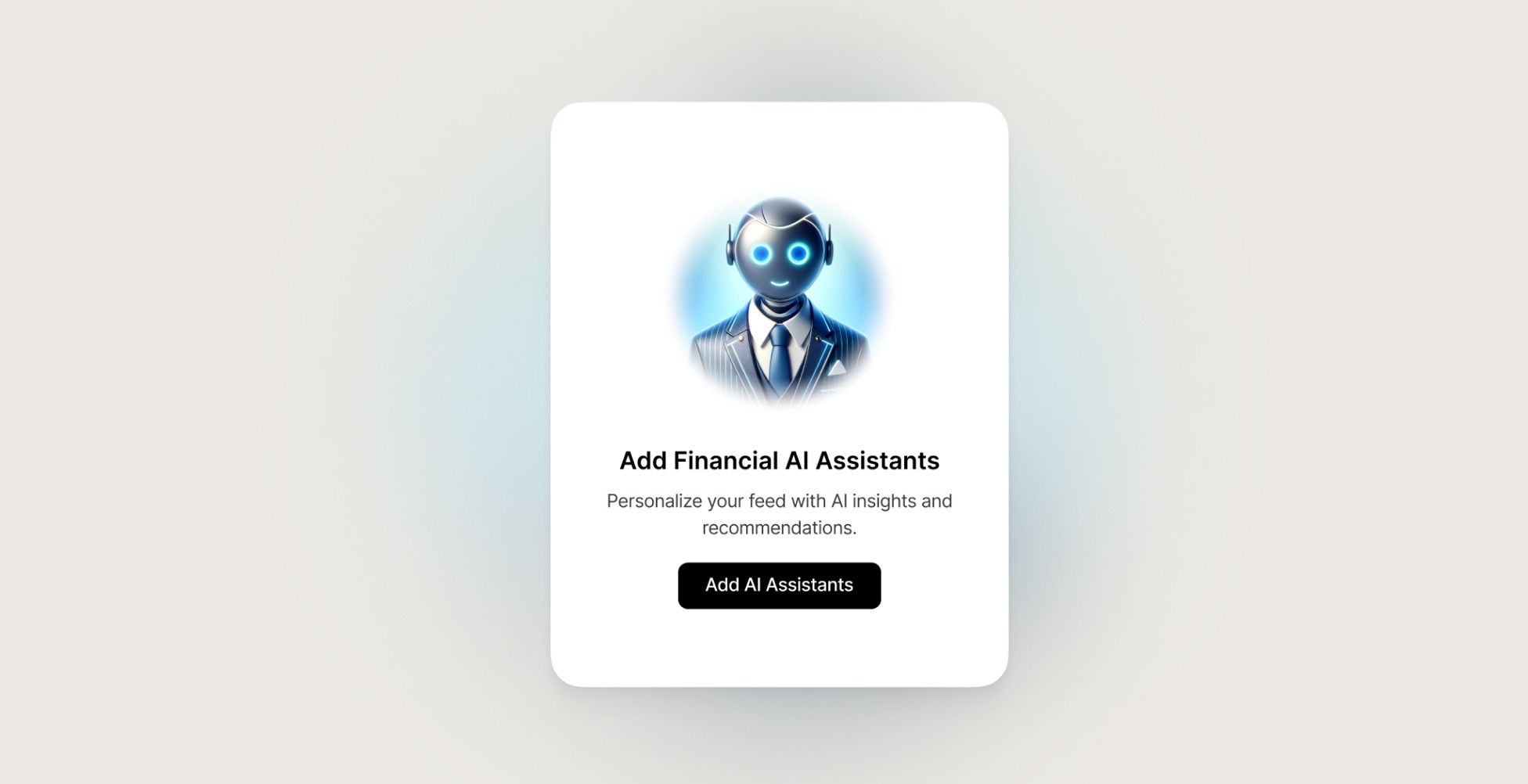
Increase savings, Prepare retirement, Buy a car, Buy property - visual cards that start guided flows.
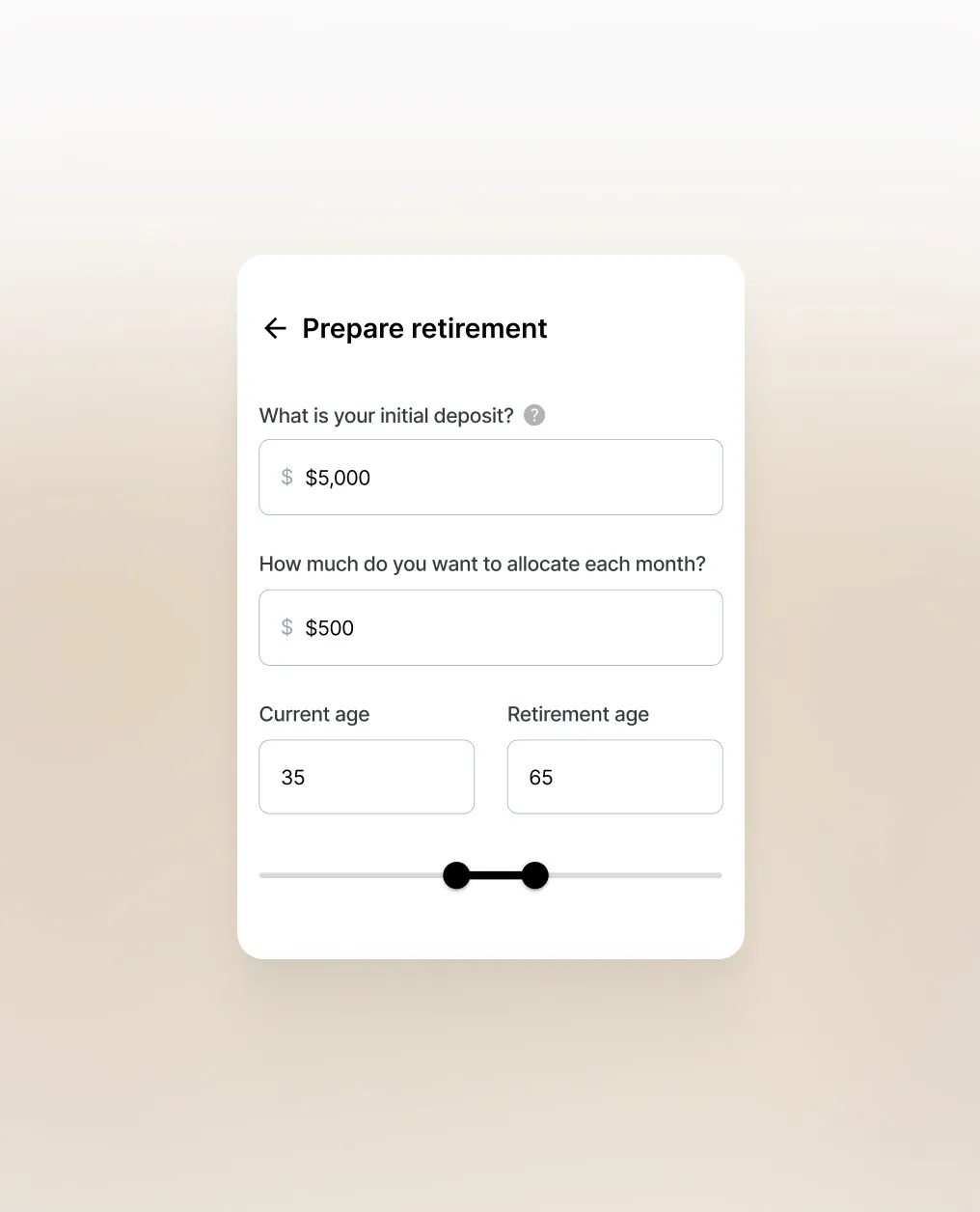
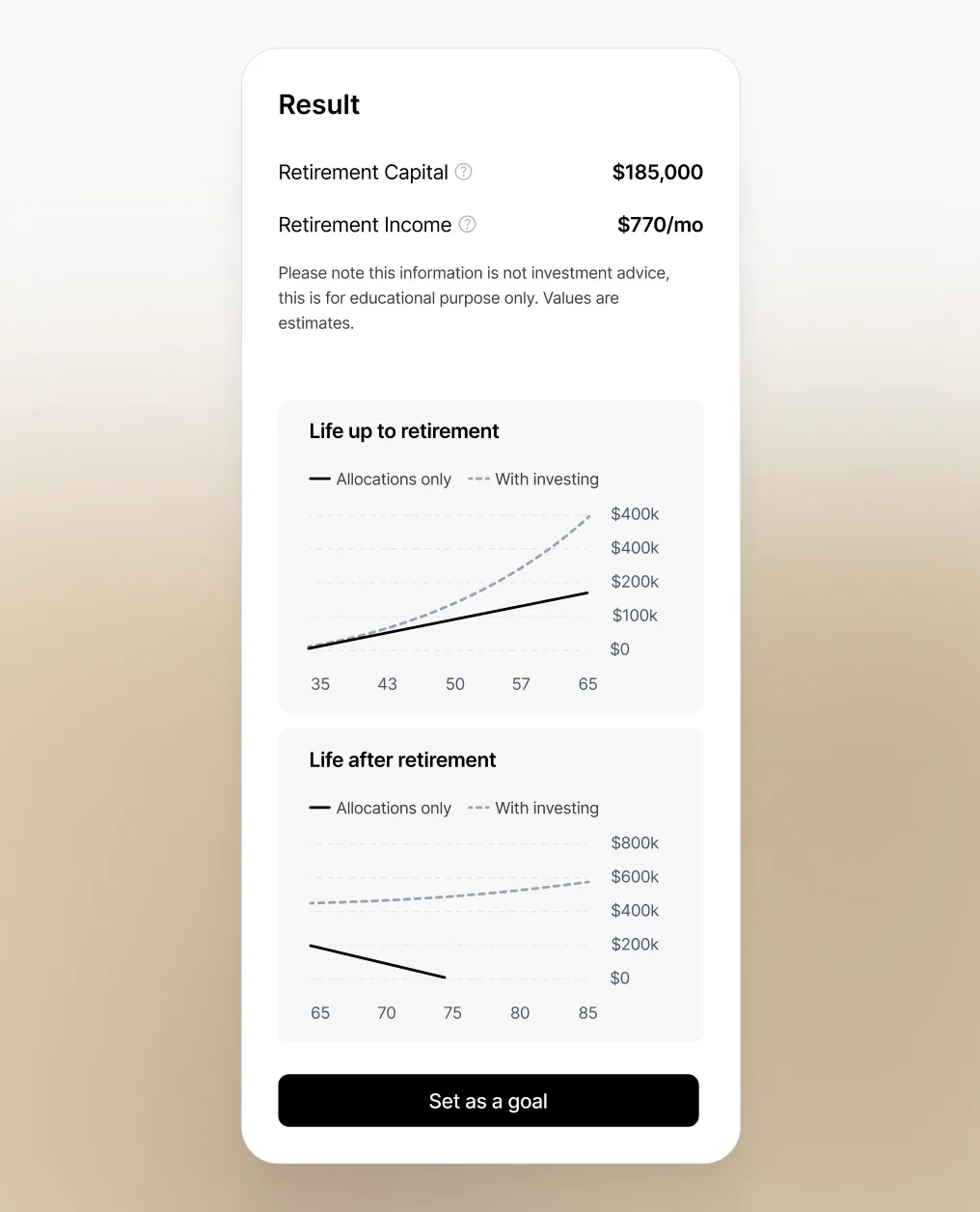
Retirement assistant
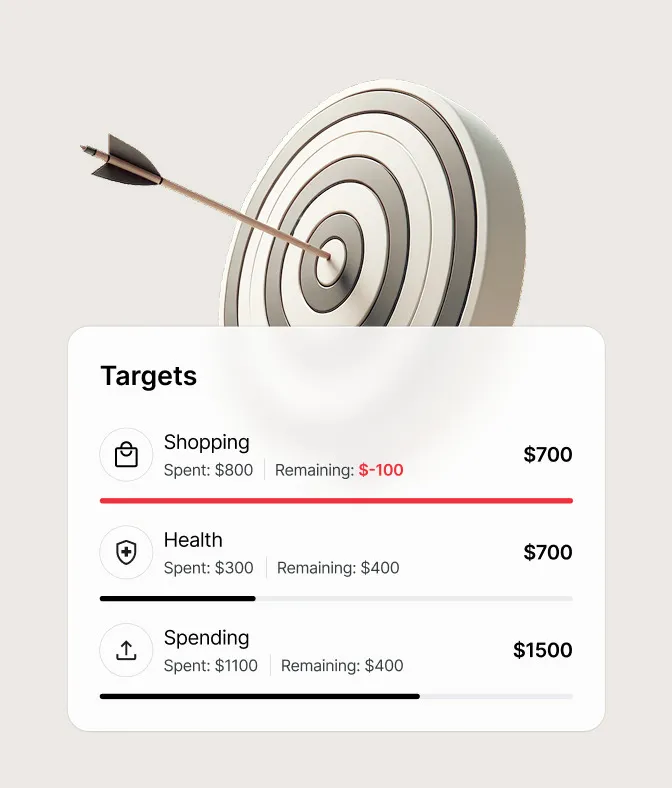
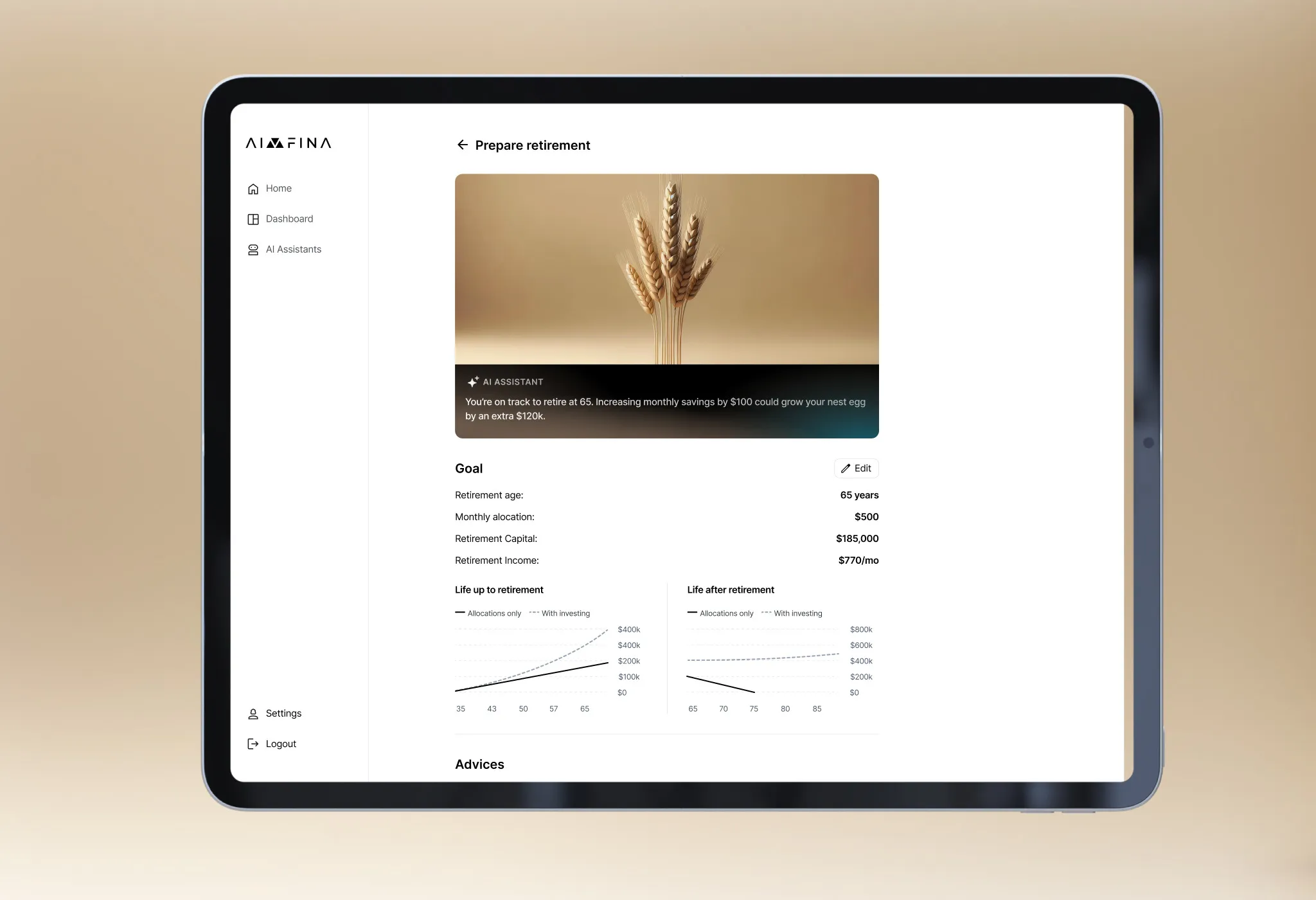
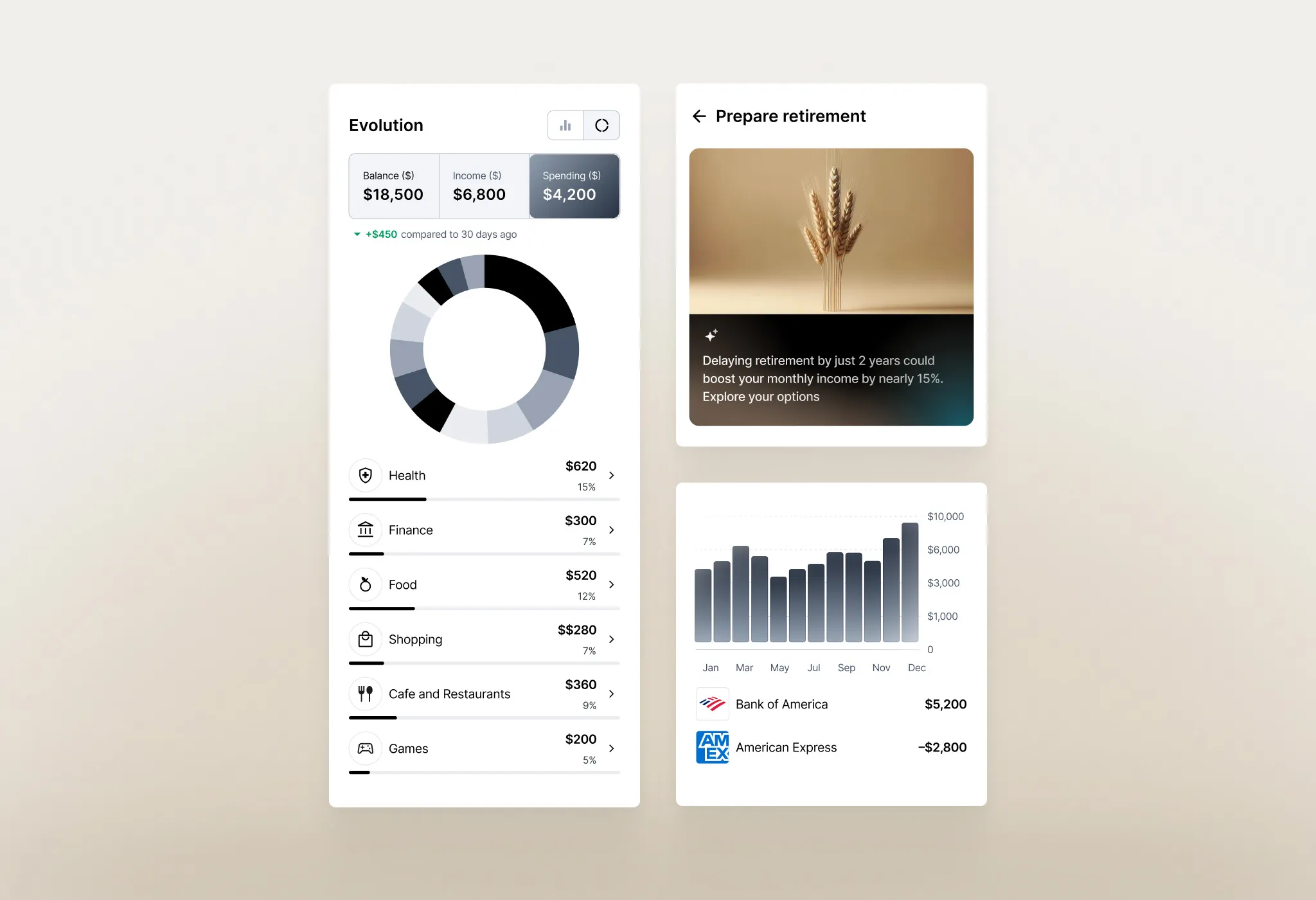
Deposit, monthly allocation and ages in; projected capital and income out - with and without investing, side by side.
Savings assistant
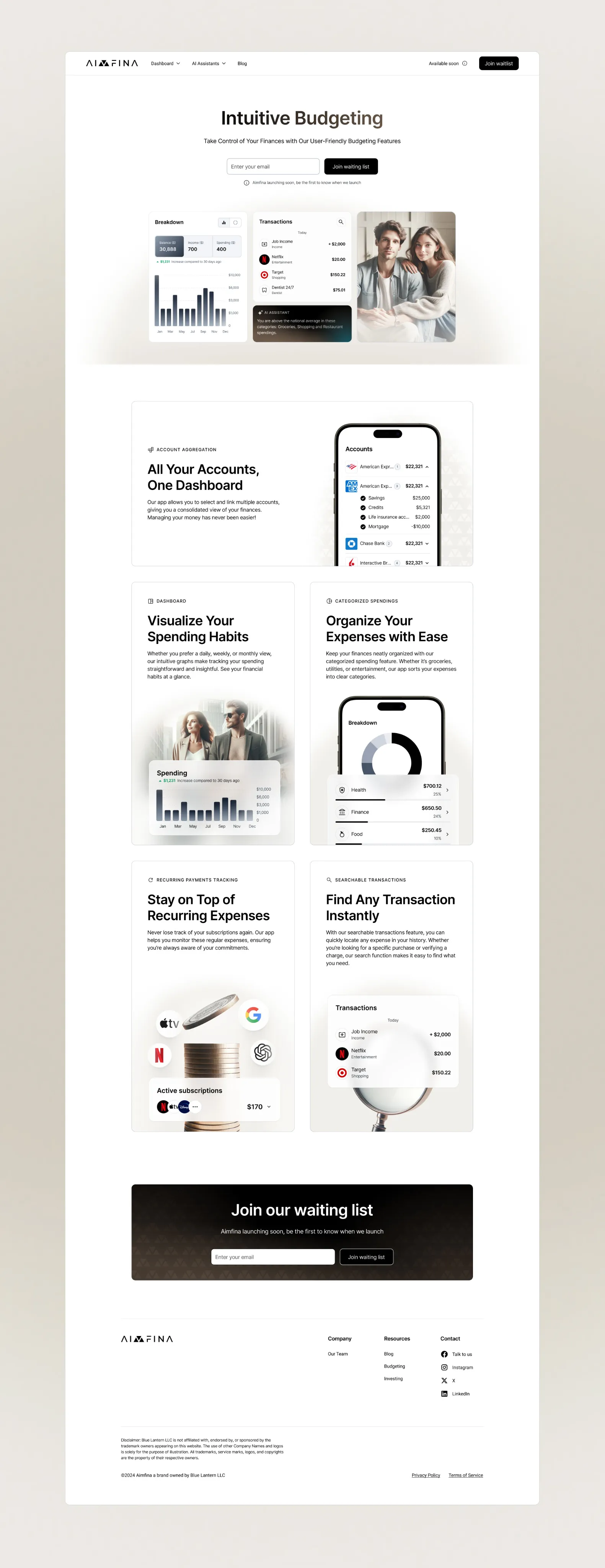
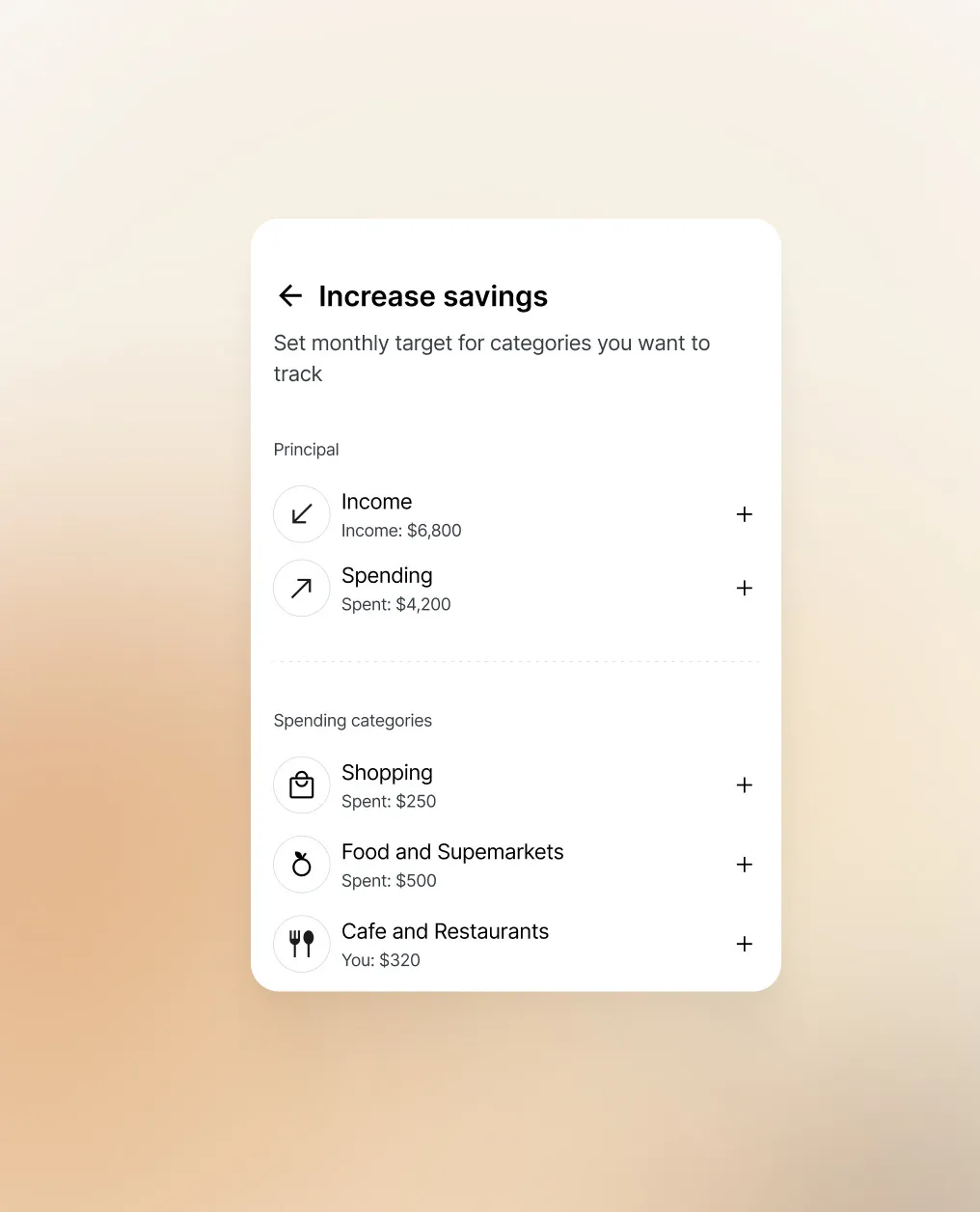
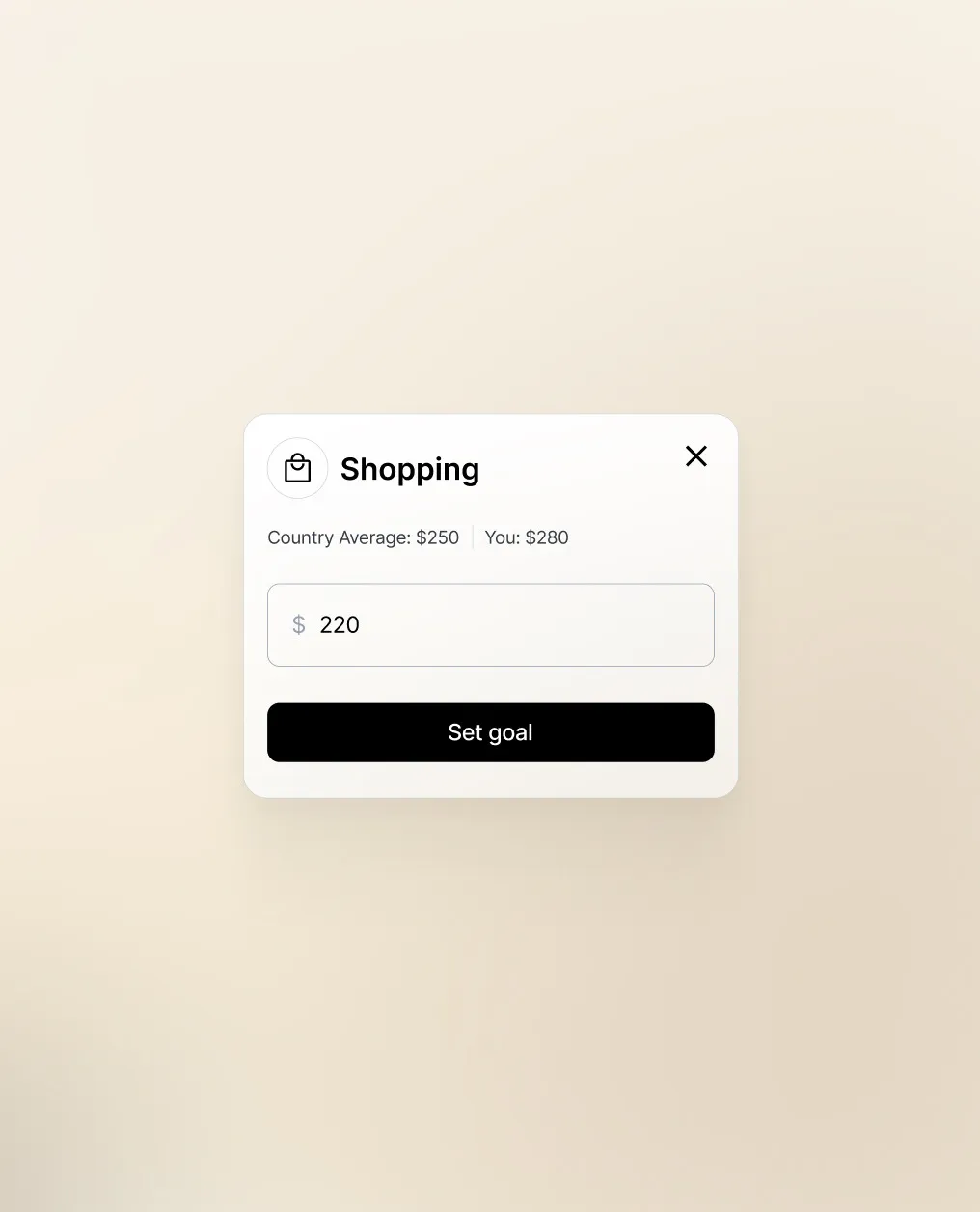
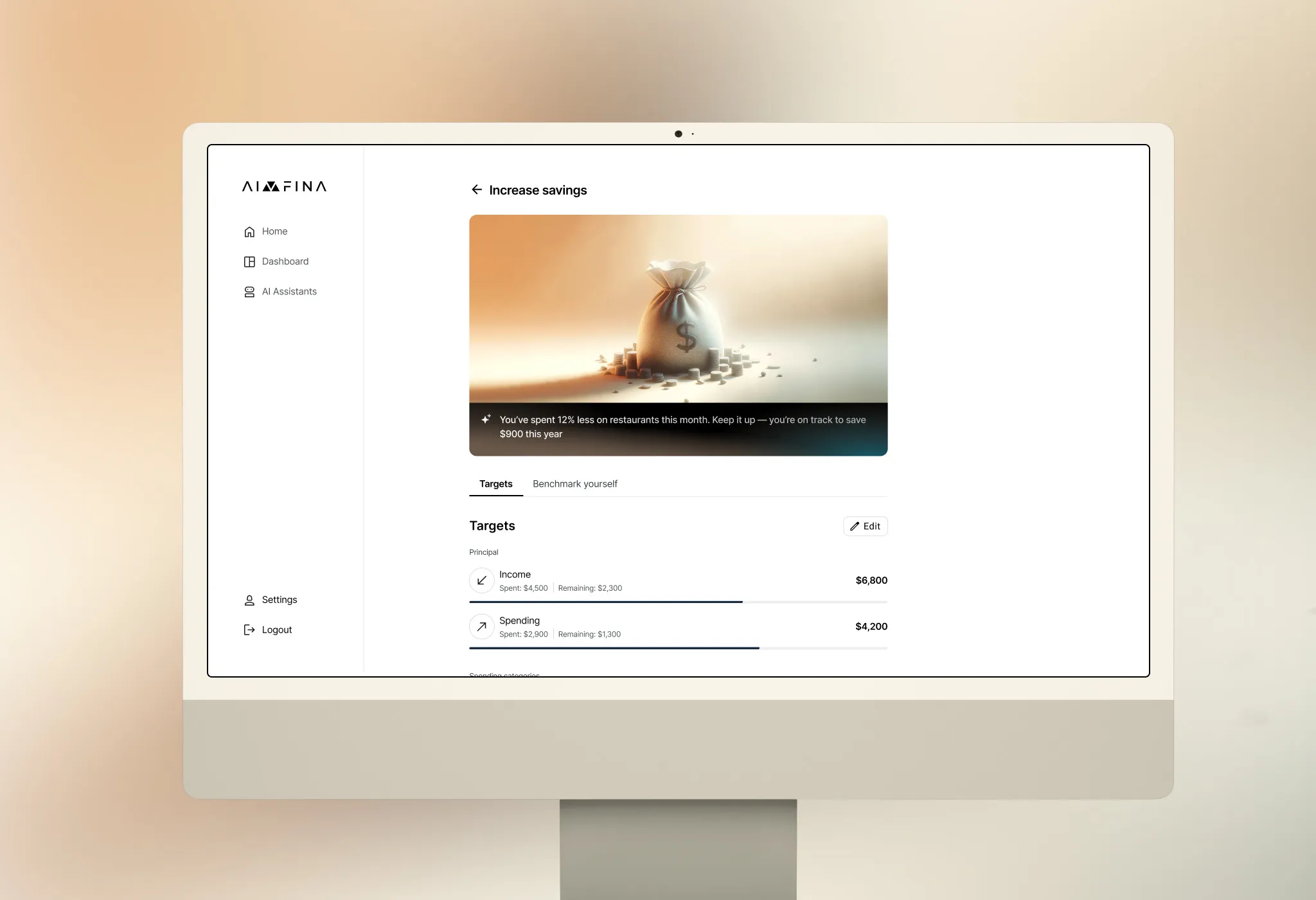
Users set a monthly target for each spending category and see it next to the country average - the assistant shows where they overspend and how much they could save.
Dashboard
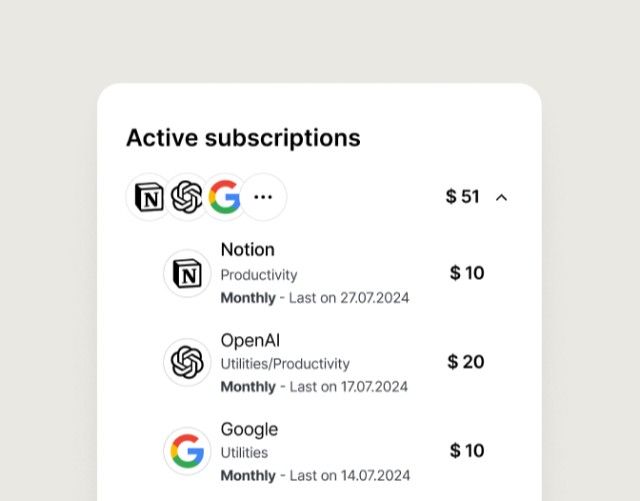
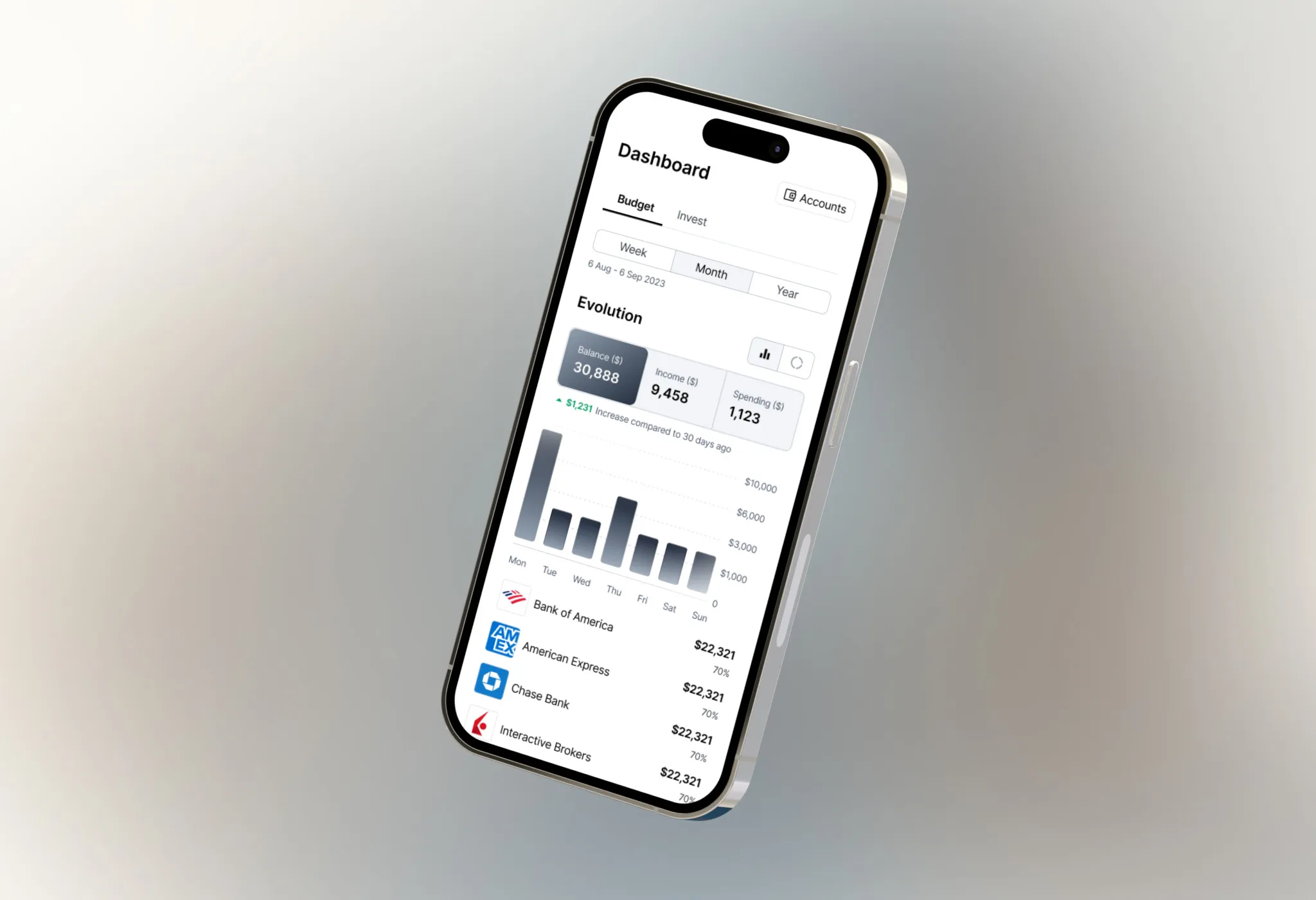
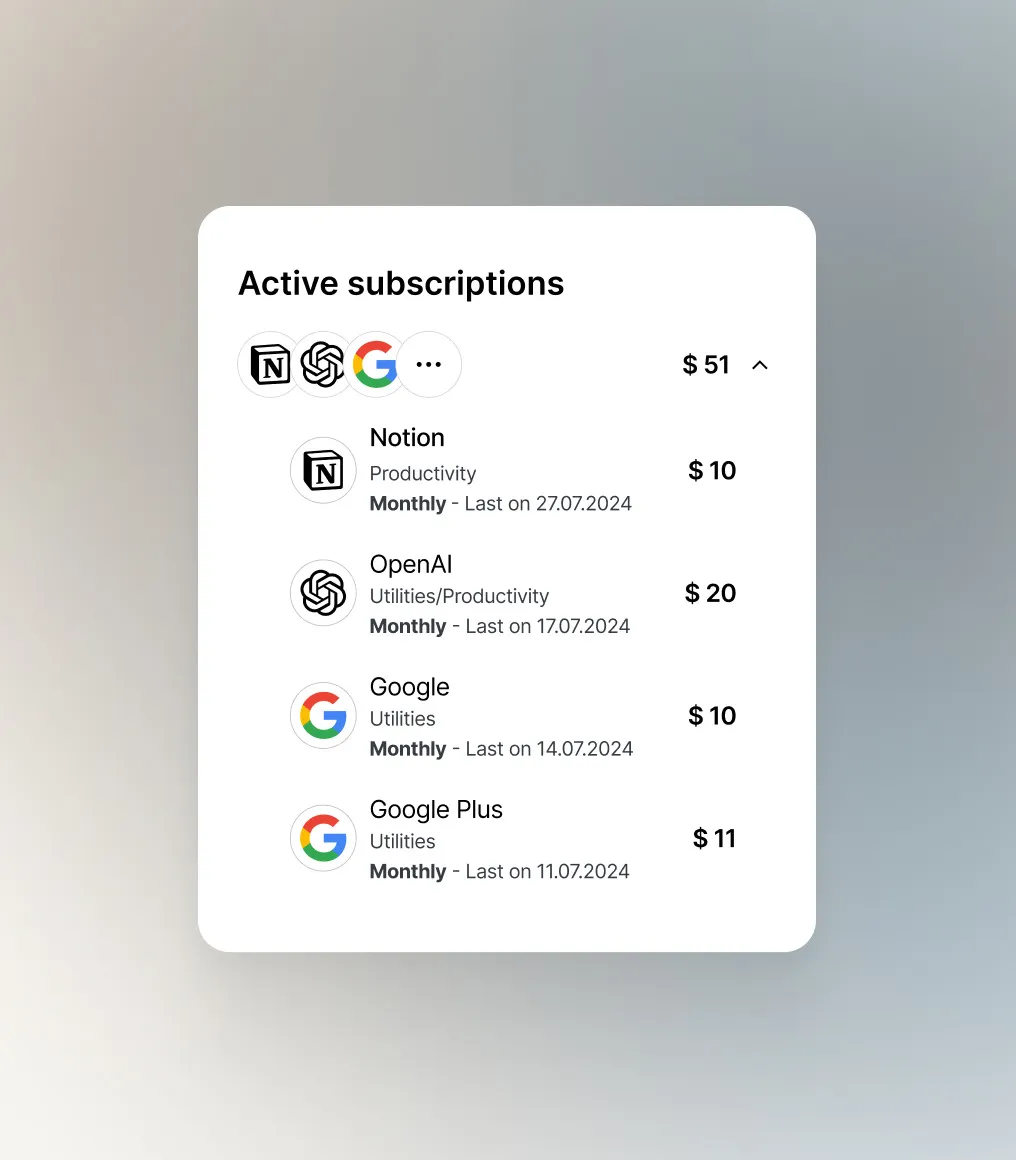
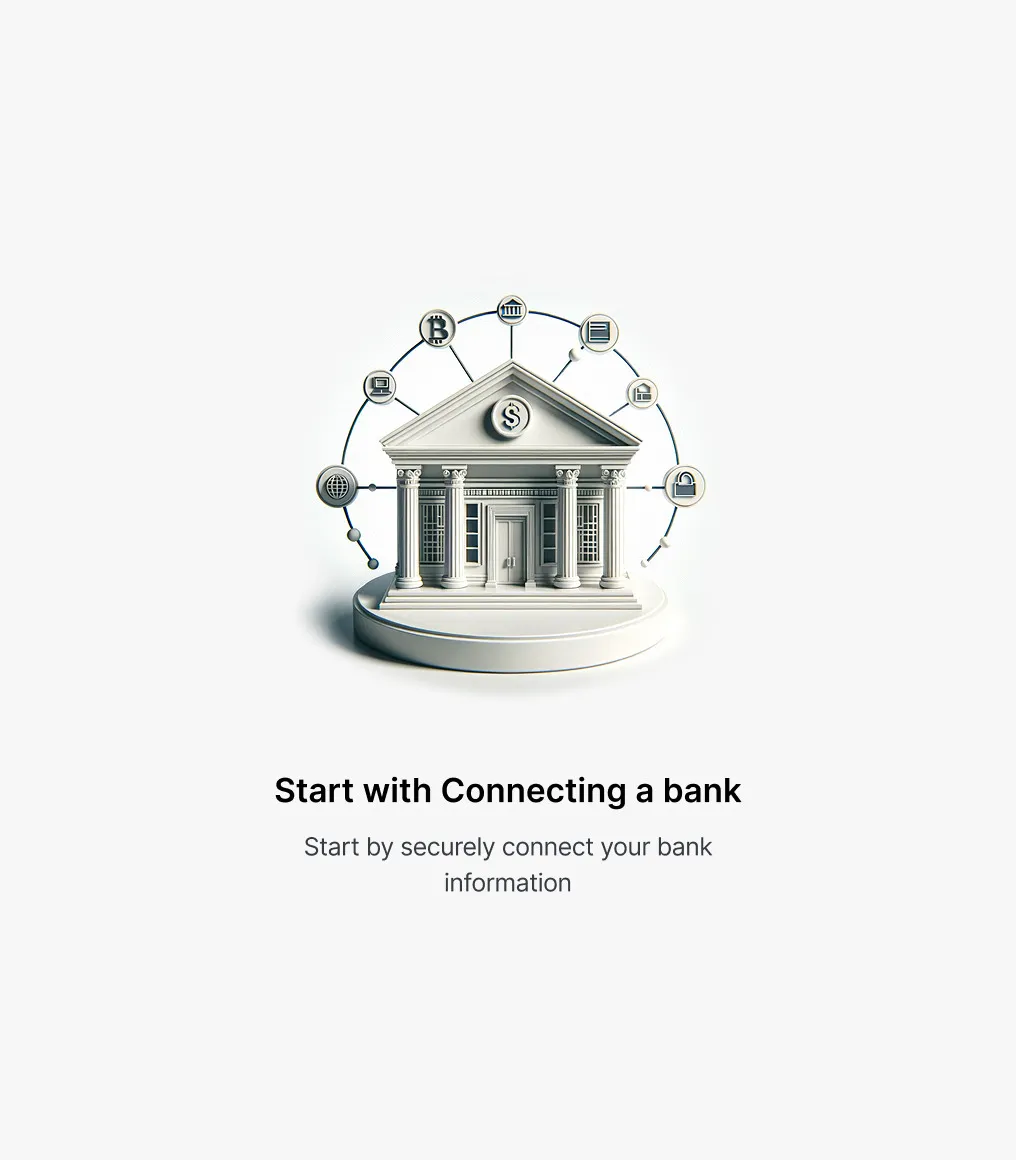
Balance, income and spending over time, categories, subscriptions and bank balances in one view - and an empty state that starts with connecting a bank.
Mobile
Every flow adapted for small screens without dropping the depth of desktop.
Website
A minimal landing site with the same typography, gradients and 3D imagery - trust rather than hype.