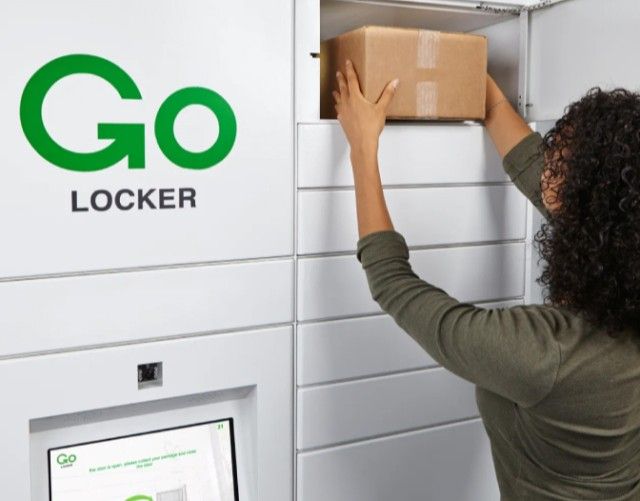
The brief: GoLocker runs secure lockers for e-commerce deliveries across New York. Their admin panel was too basic to manage packages, reservations and lockers efficiently for retailers and customers.
What I did:
- Worked through requirements with the product owner and mapped the user flows.
- Wireframed the platform and proposed usability improvements before visual design.
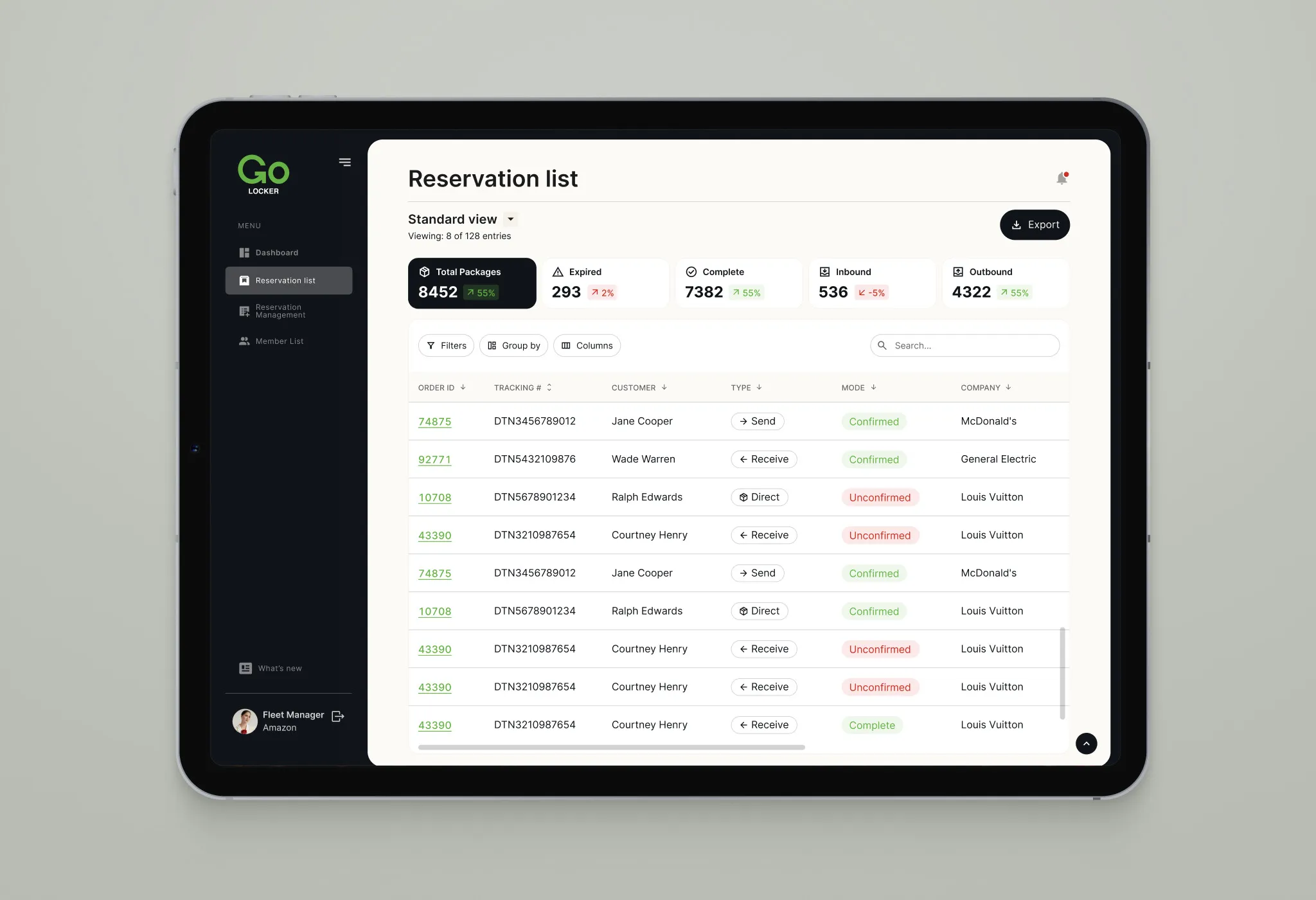
- Designed reservation lists with grouping, filters and saved views.
- Designed a faster reservation flow with customer search and package details.
- Added a dashboard, What's New and notifications, and email templates.
Result: A responsive admin platform with real-time tracking and role-based access that GoLocker can scale as the network grows.
Design process
1.Research & exploration
- Stakeholder interviews
- Competitor analysis
- User flows
- Low-fidelity wireframes
2.Design & prototyping
- Visual style
- High-fidelity screens
- Design system
- Work with developers
Research & exploration
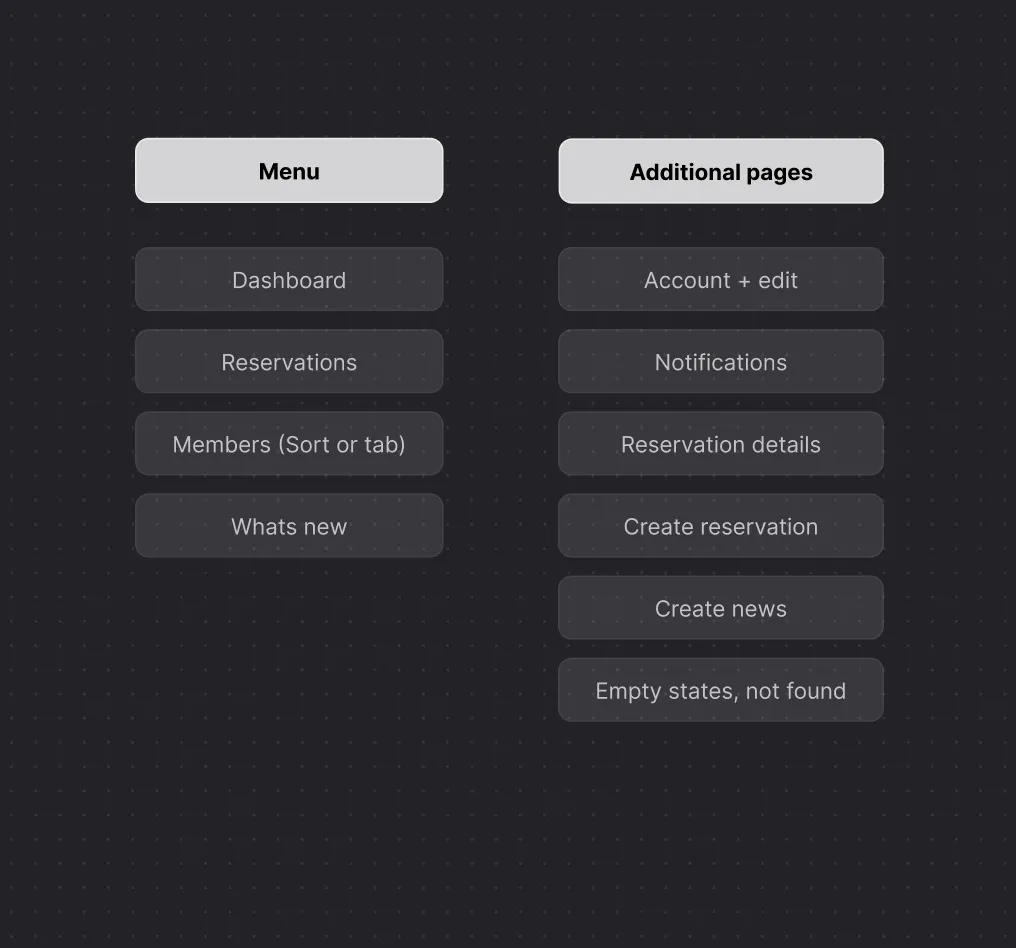
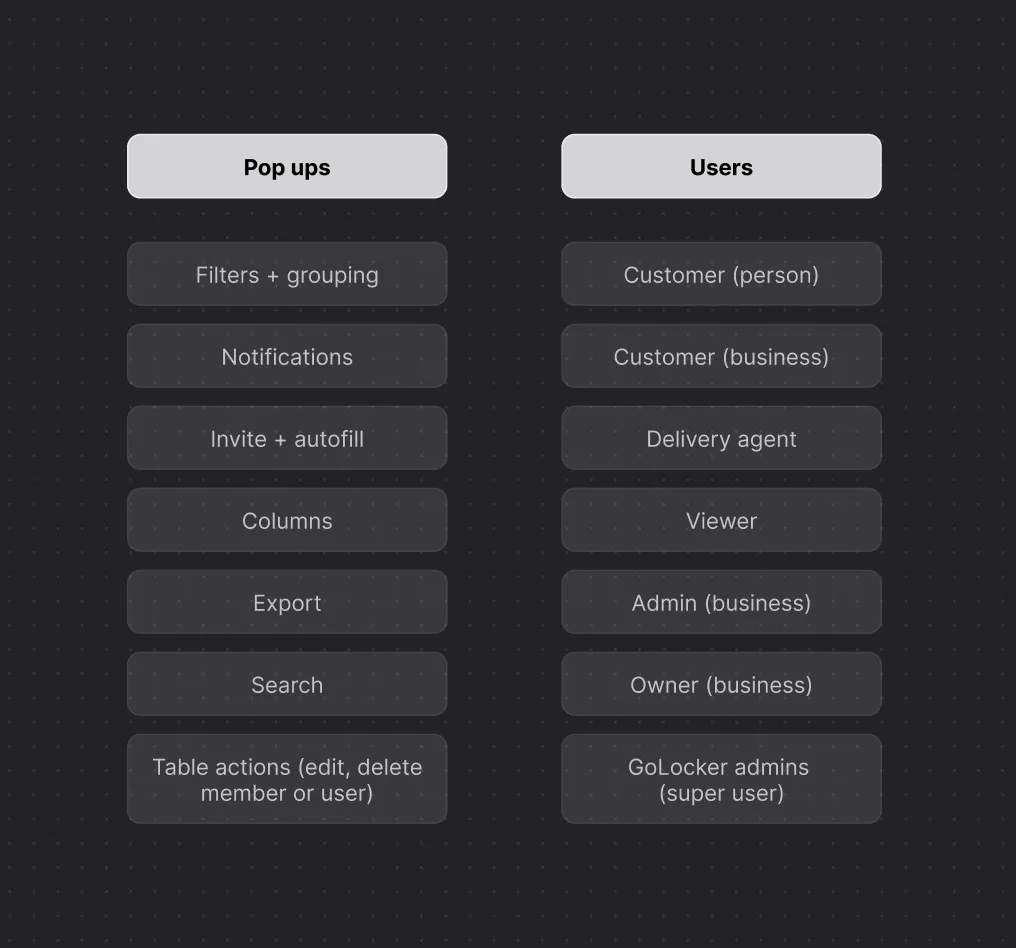
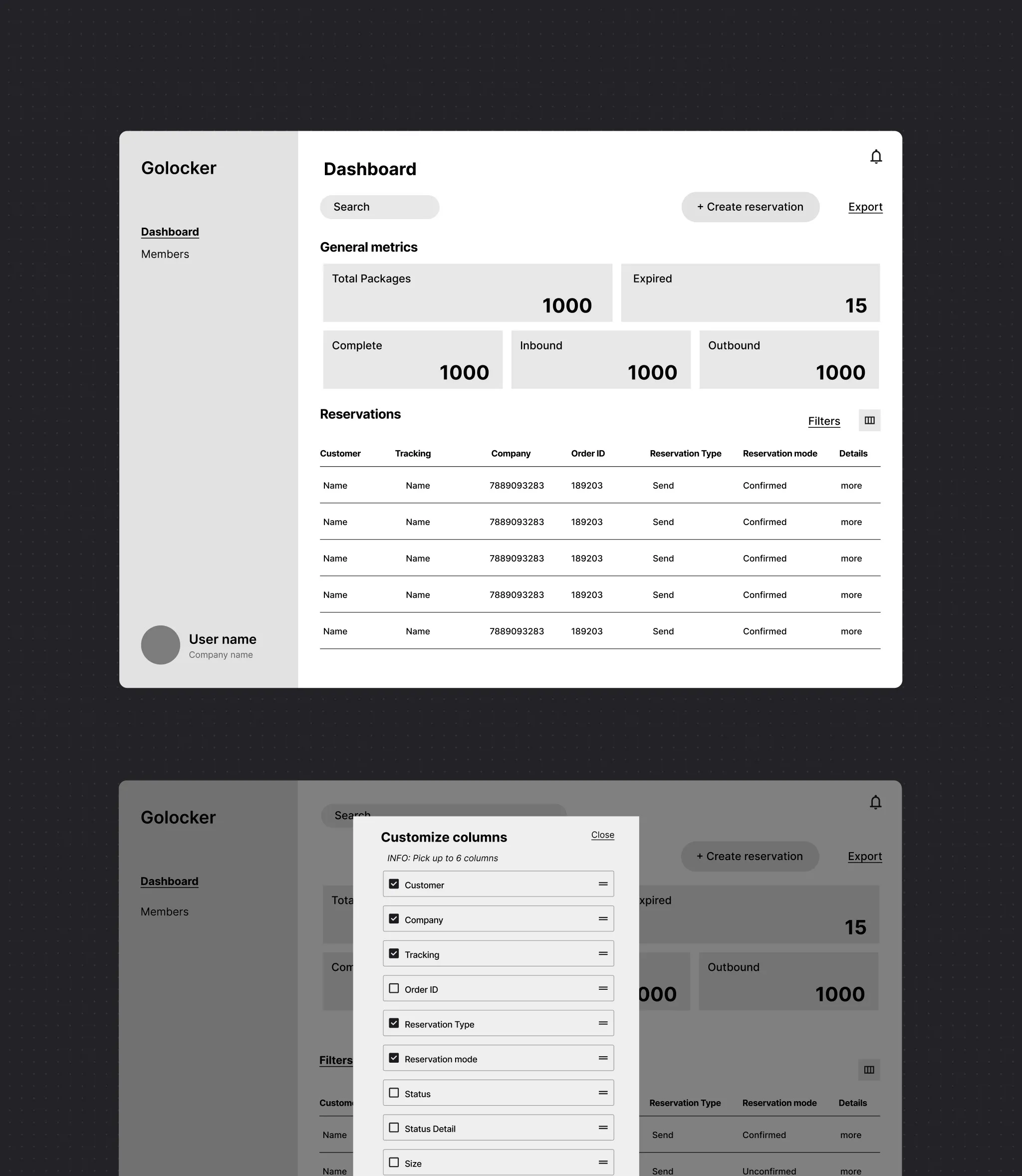
I started by mapping the whole platform: the menu, every additional page, pop-ups and table actions, and seven user roles, from a single customer to GoLocker super admins. With the map agreed with the product owner, I wireframed the key screens - the dashboard with general metrics, the reservations table and column settings - to test the logic before any visual design.
Features
Reservation list
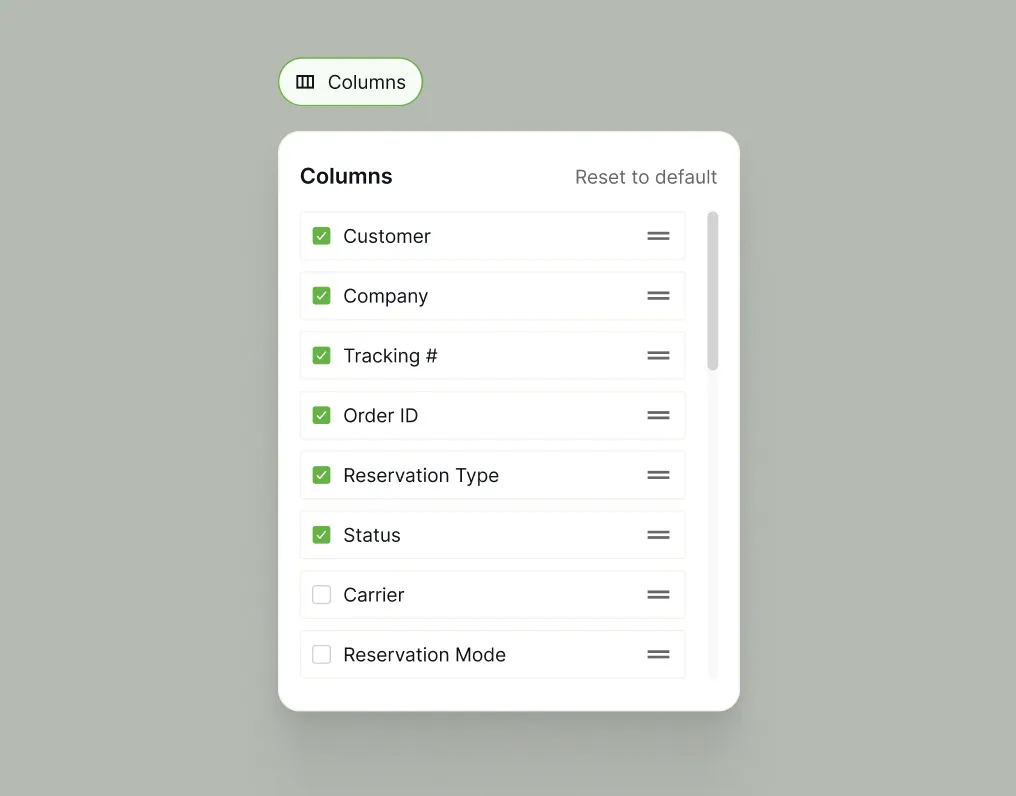
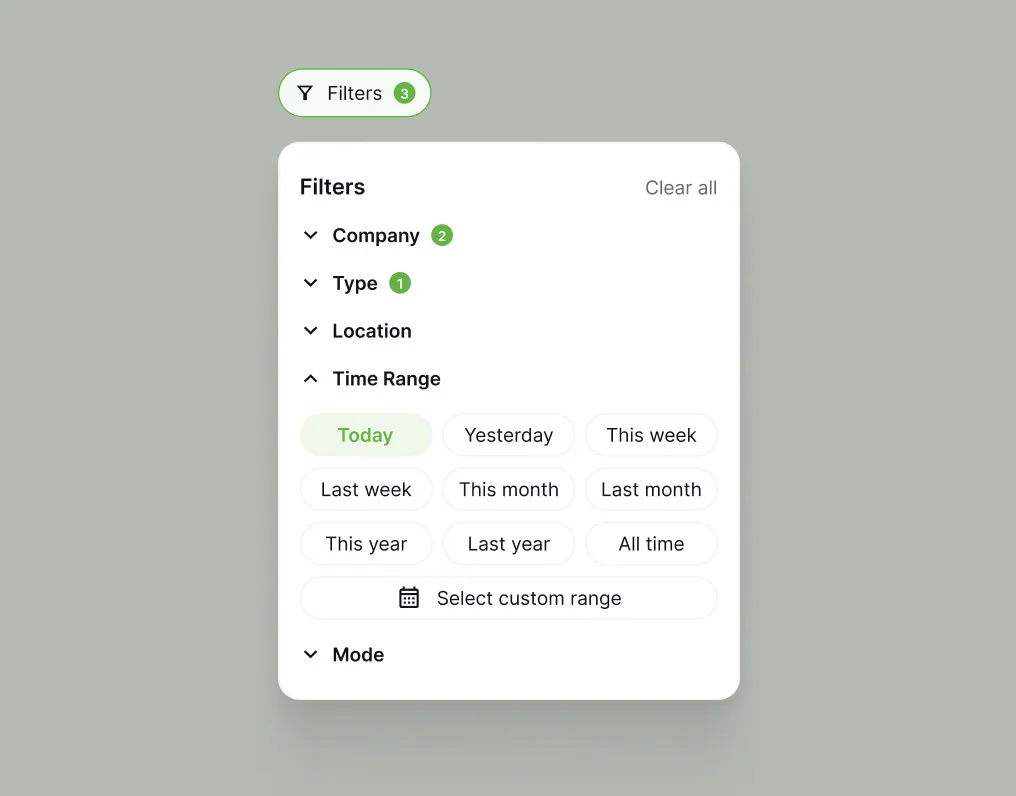
Saved views, grouping and column settings - columns can be turned on or off and reordered. Filters by company, type, location, time range and mode help operators find any package fast.
Reservation flow
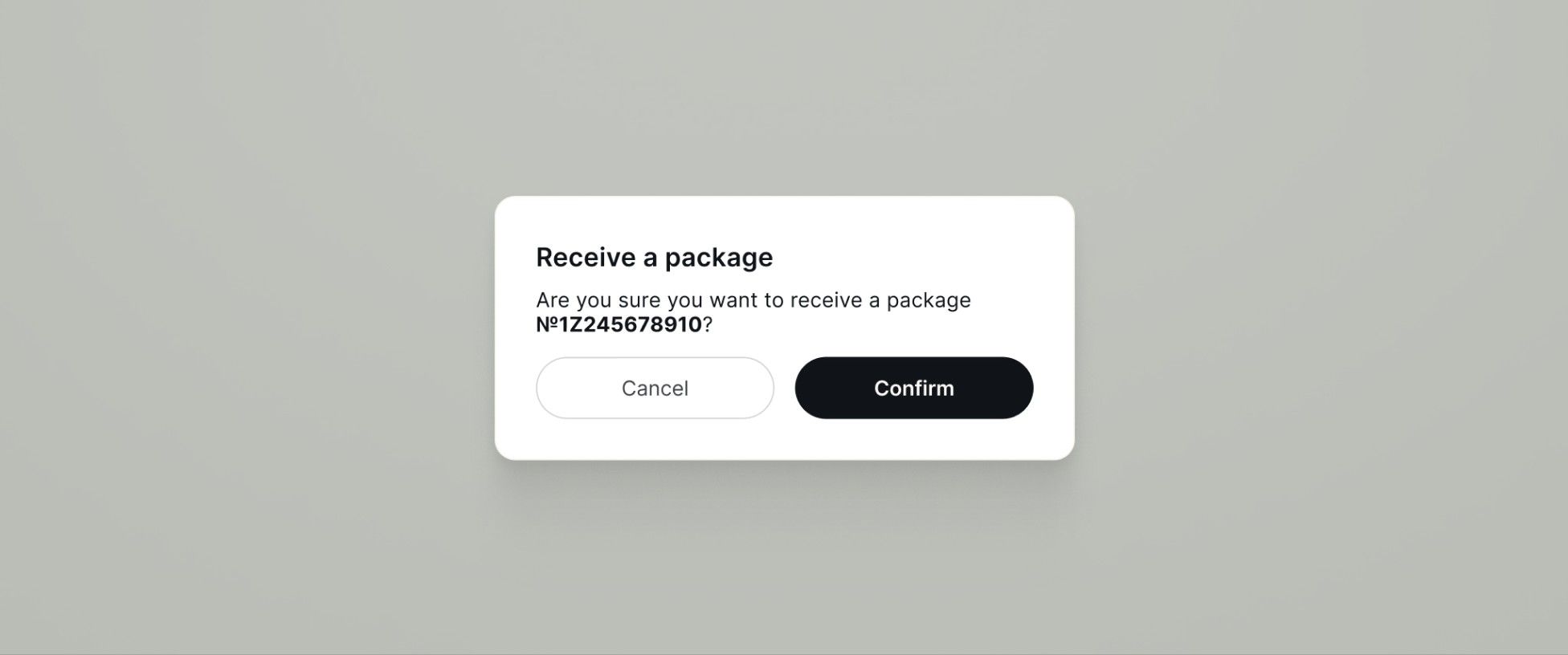
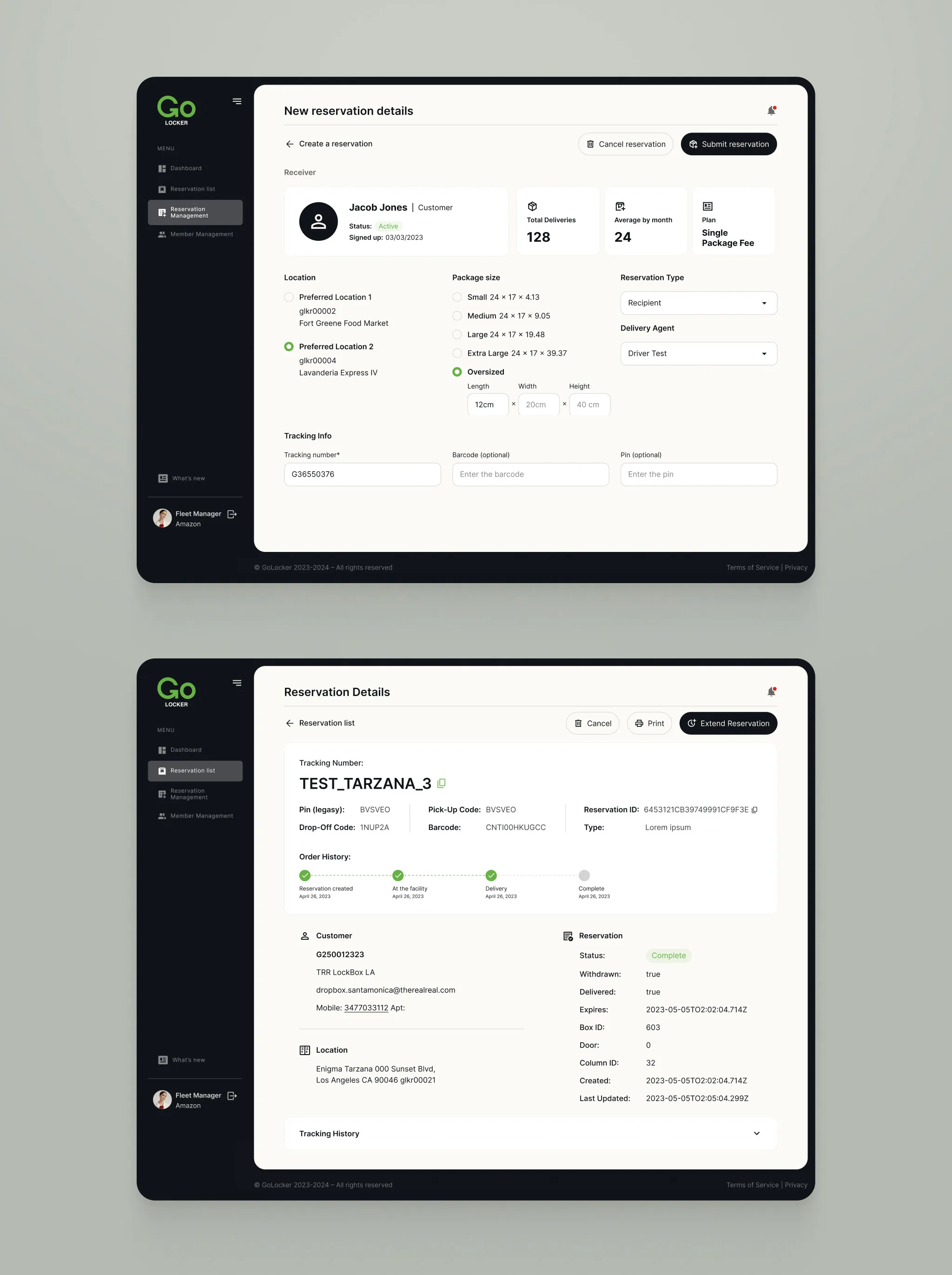
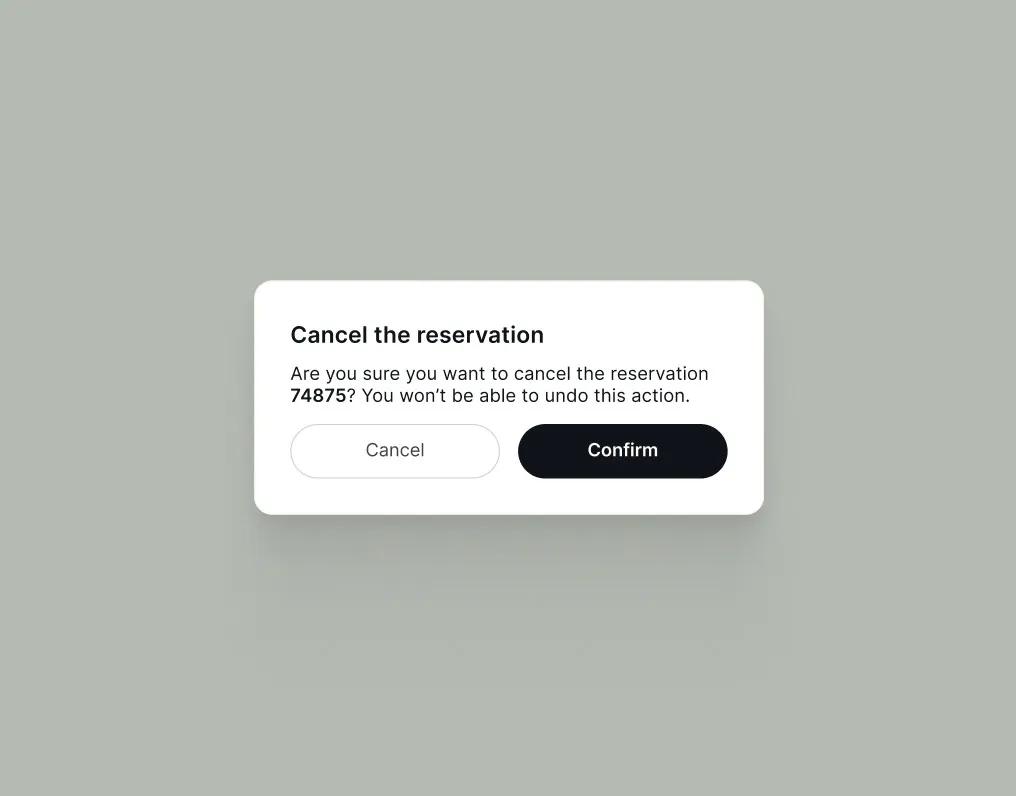
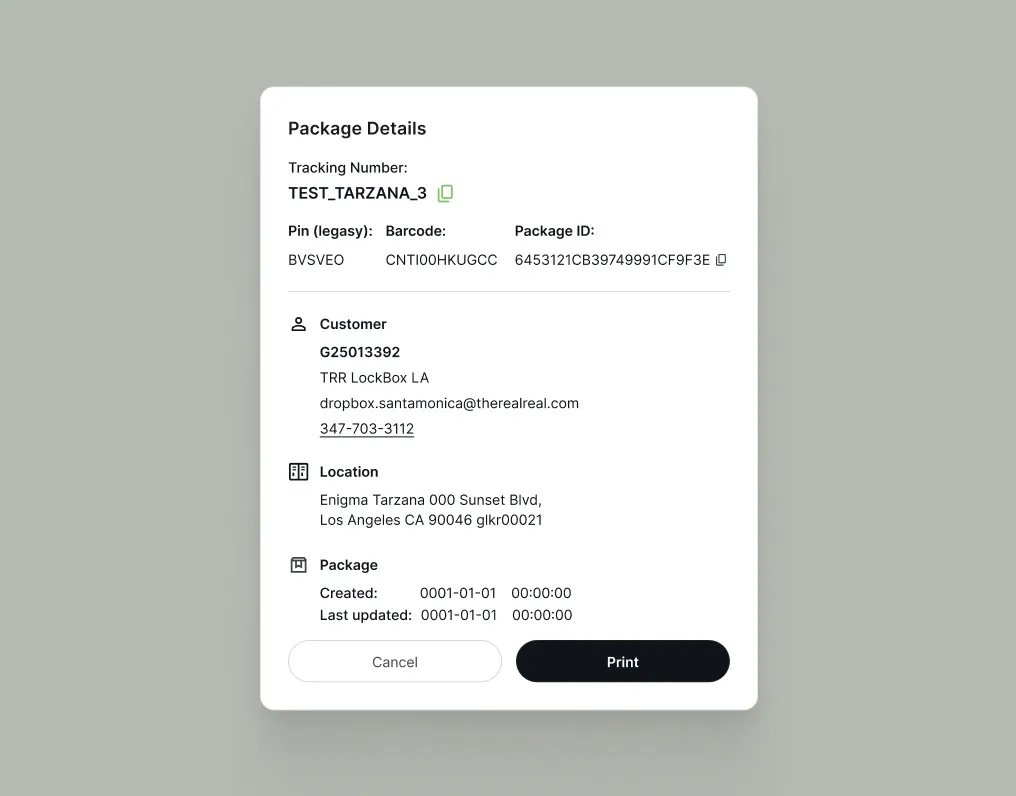
Operators find a customer, add package details and create the reservation. The reservation page shows its status and lets them print the package details or cancel it with a confirmation.
Dashboard
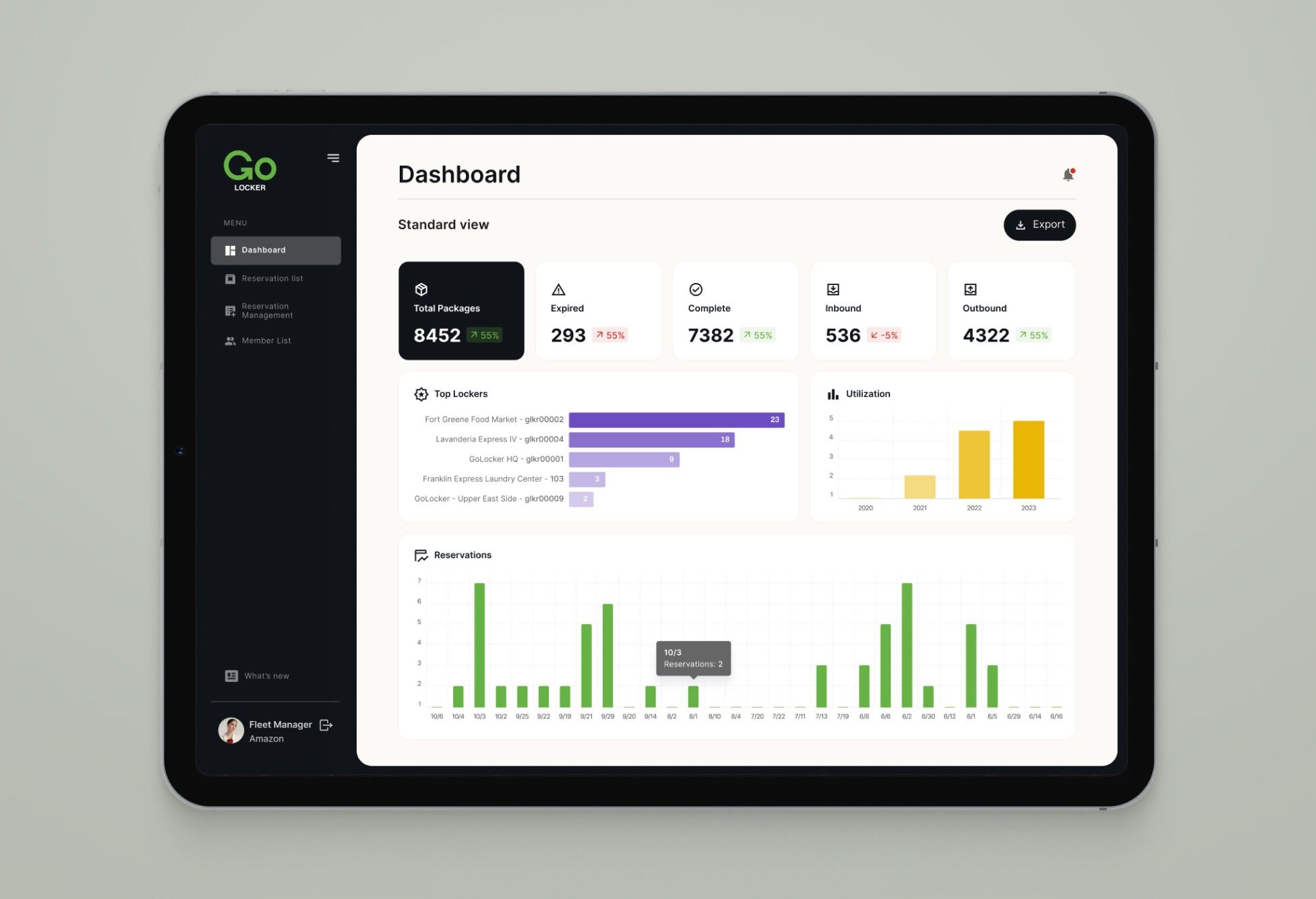
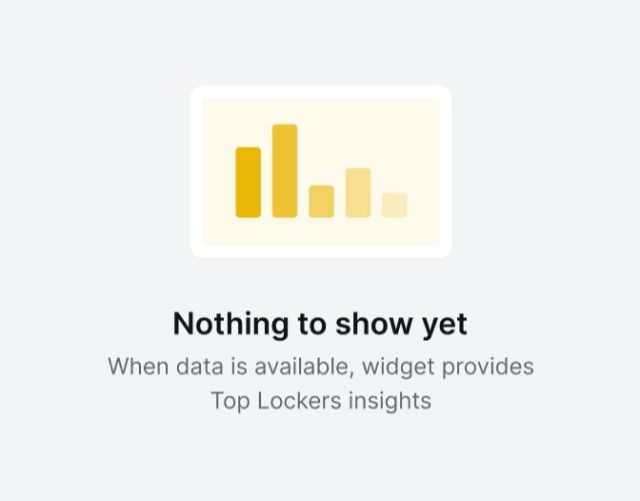
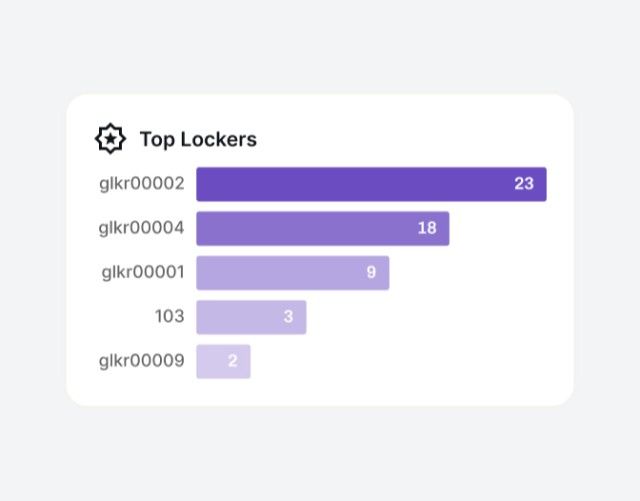
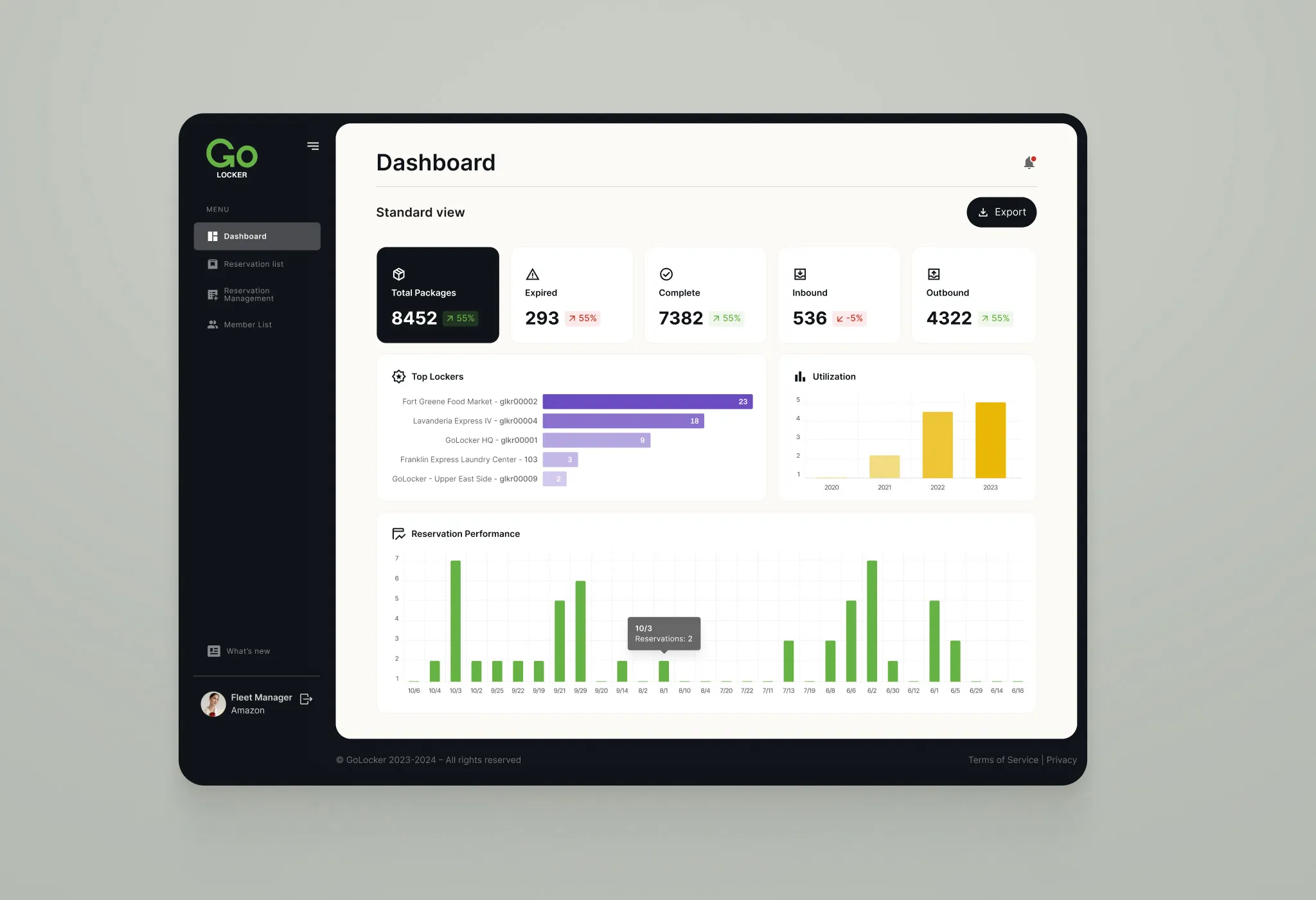
The dashboard gives fleet managers the state of their lockers at a glance: total, expired, completed, inbound and outbound packages, each with the change against the previous period. Below are the busiest lockers, utilization by year and reservation performance by day. The whole view can be exported for a report.
What’s new & notifications
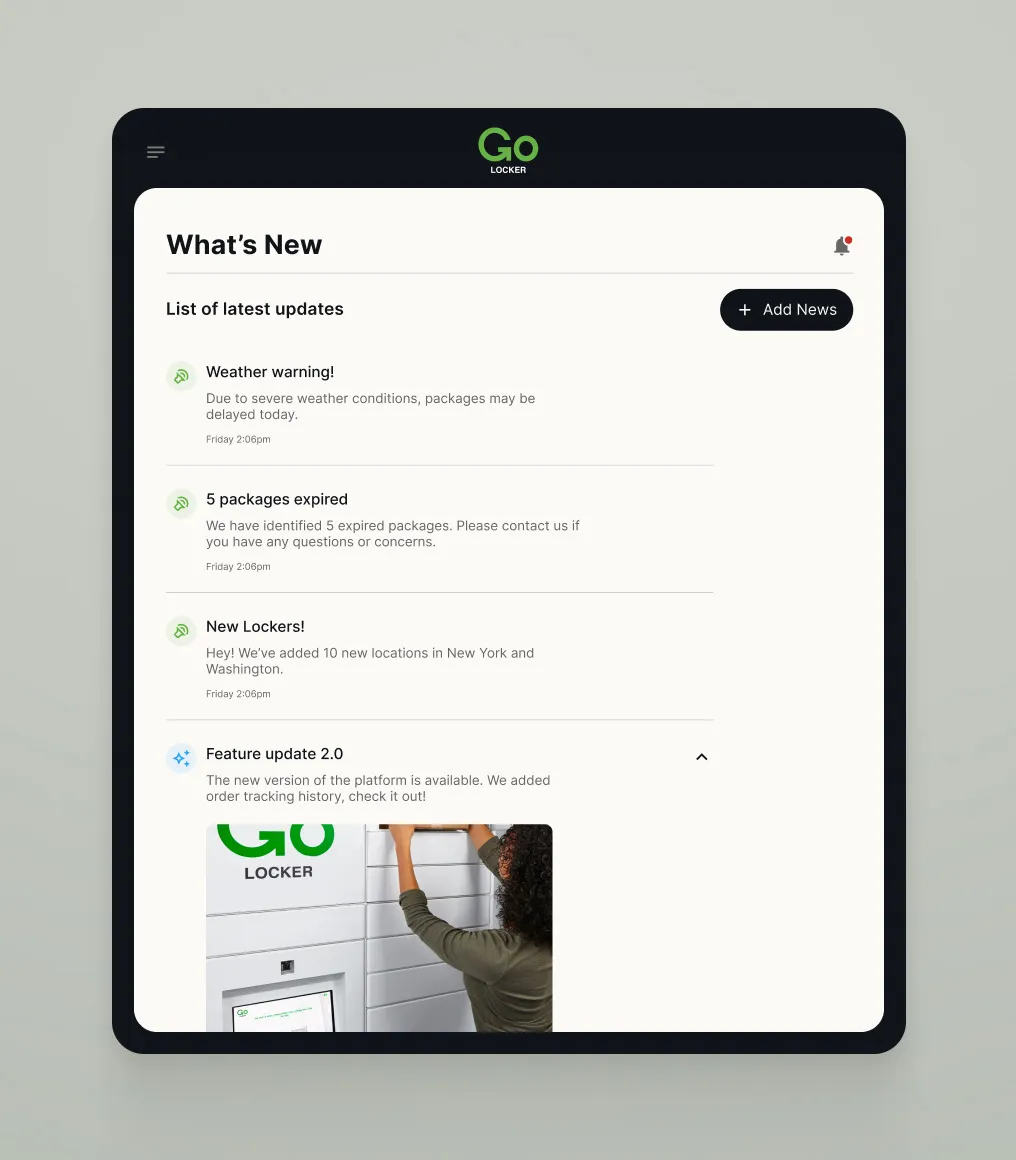
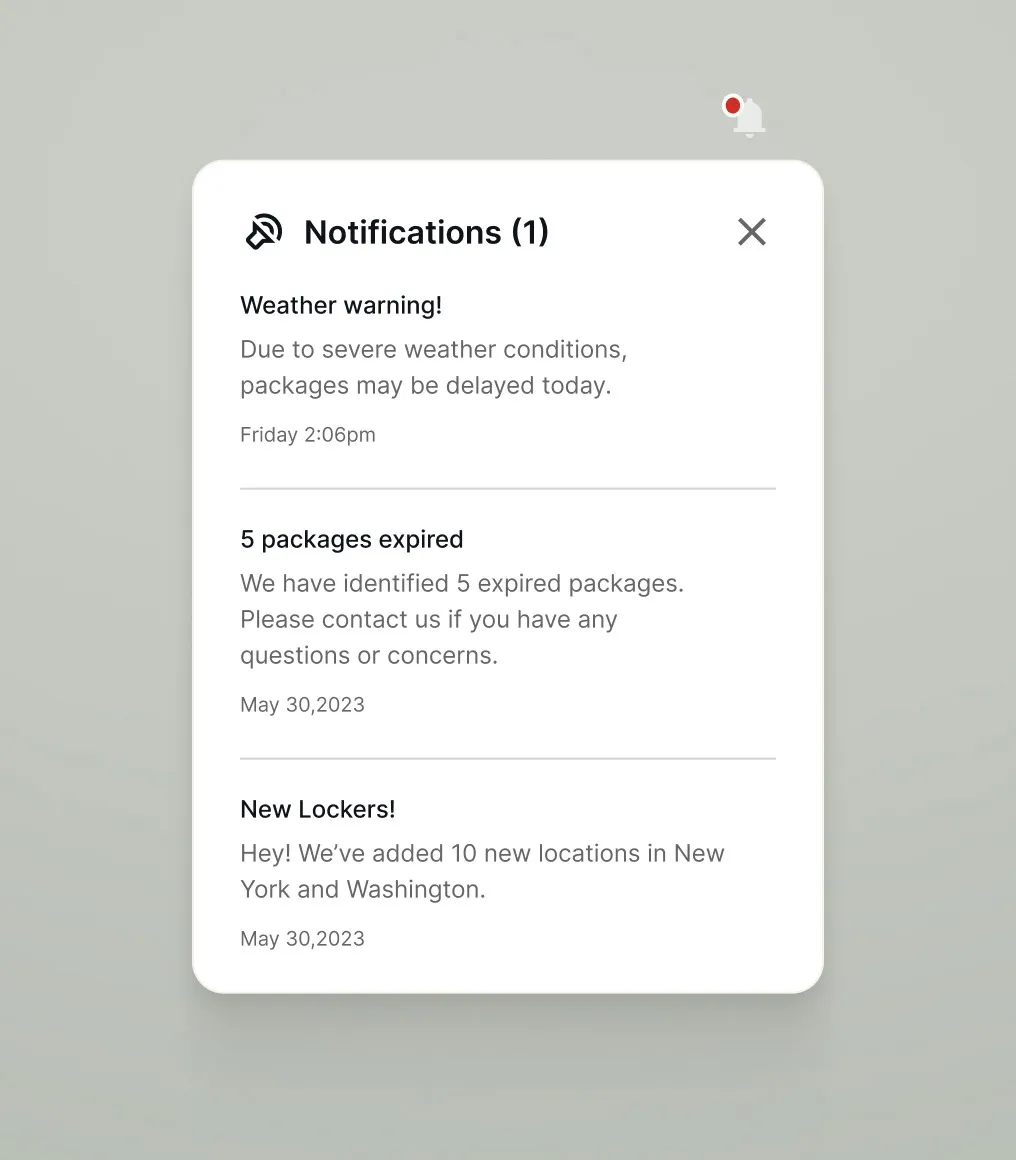
Alerts about weather, expired packages, new lockers and feature updates, managed by admins.
Email templates
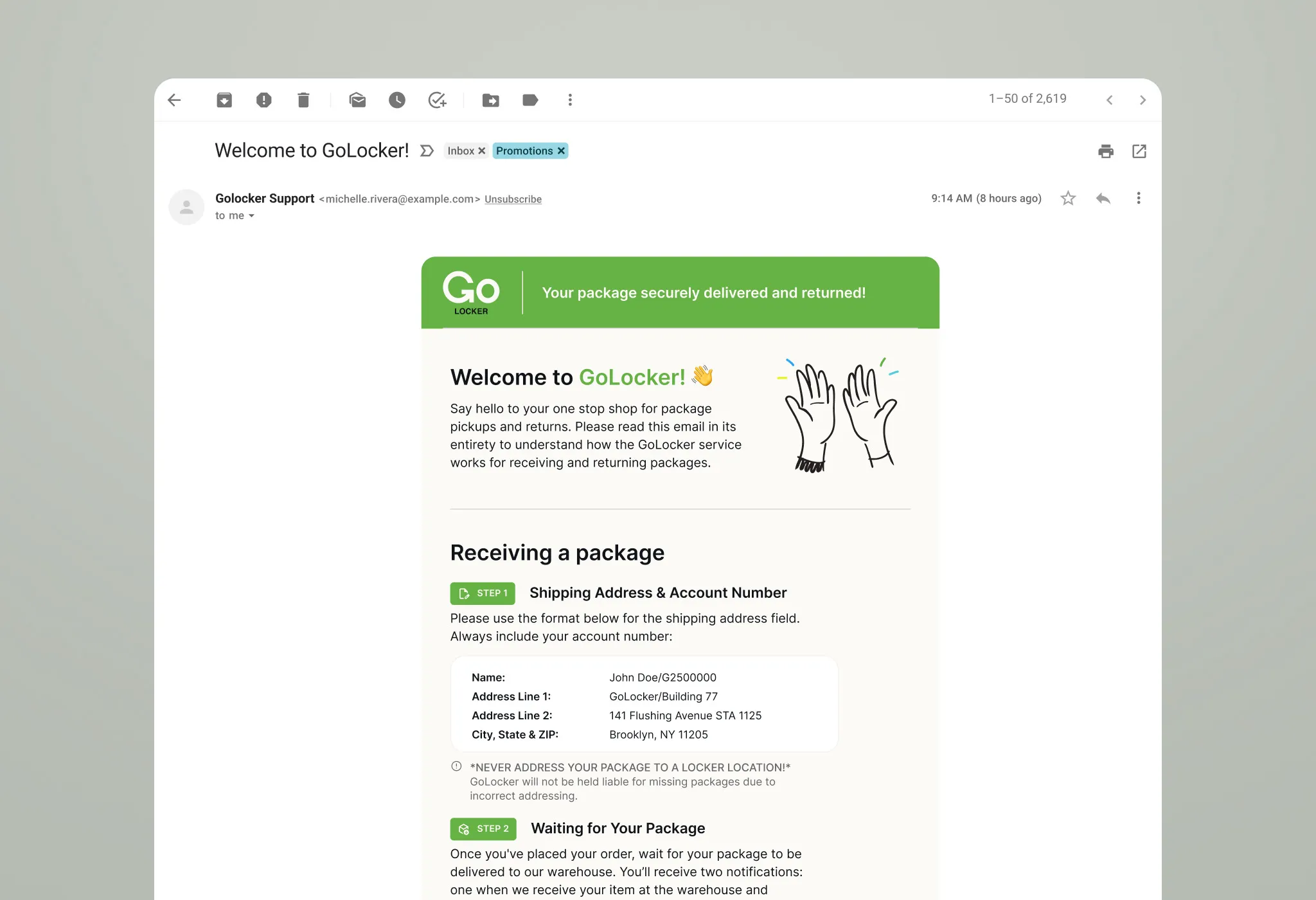
I also designed the emails customers get from GoLocker. The welcome email walks new users through the service step by step - how to write the shipping address with their account number, which notifications to expect and how to pick up or return a package. It follows the platform’s visual style, so the product and the emails feel like one service.