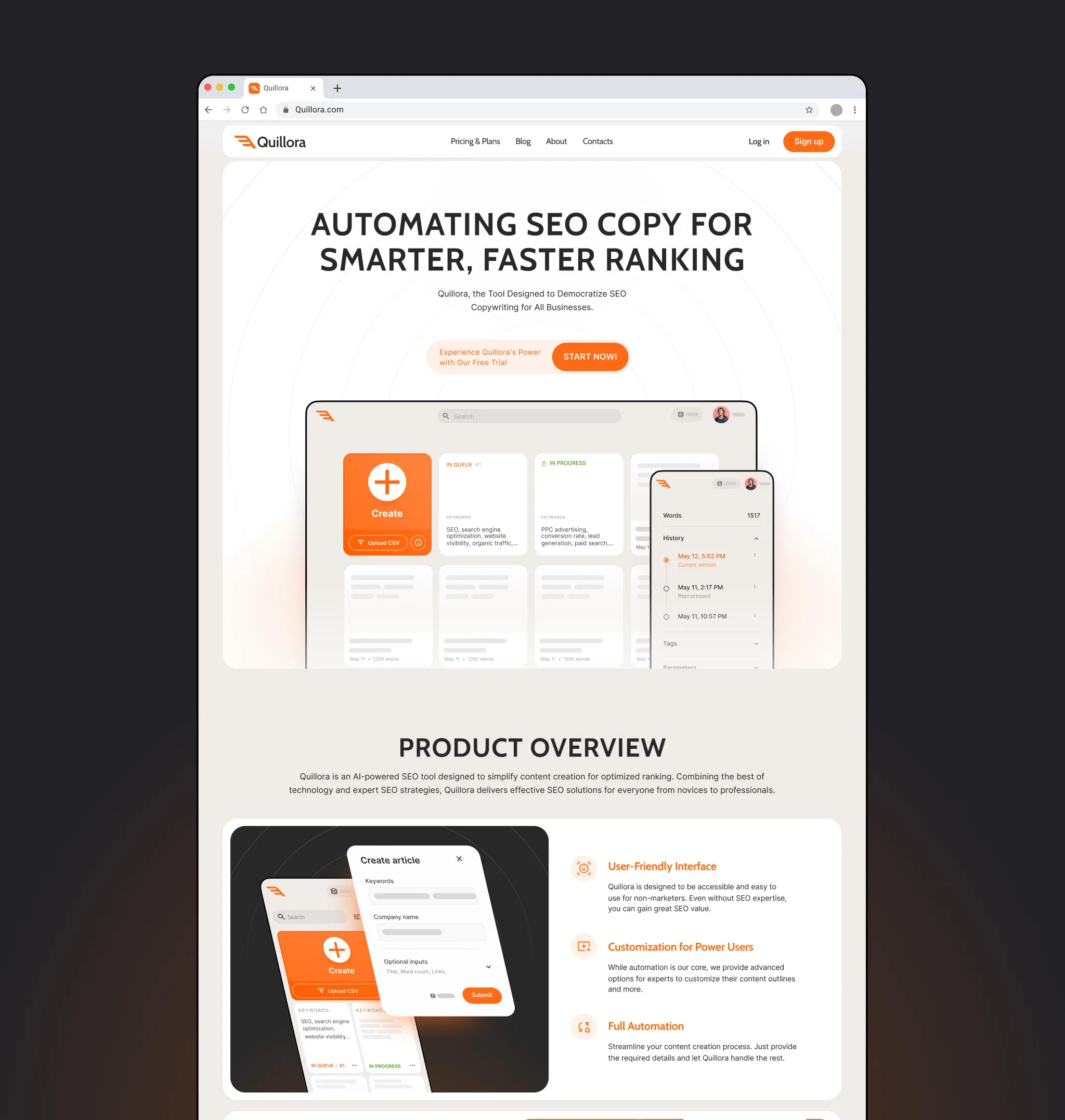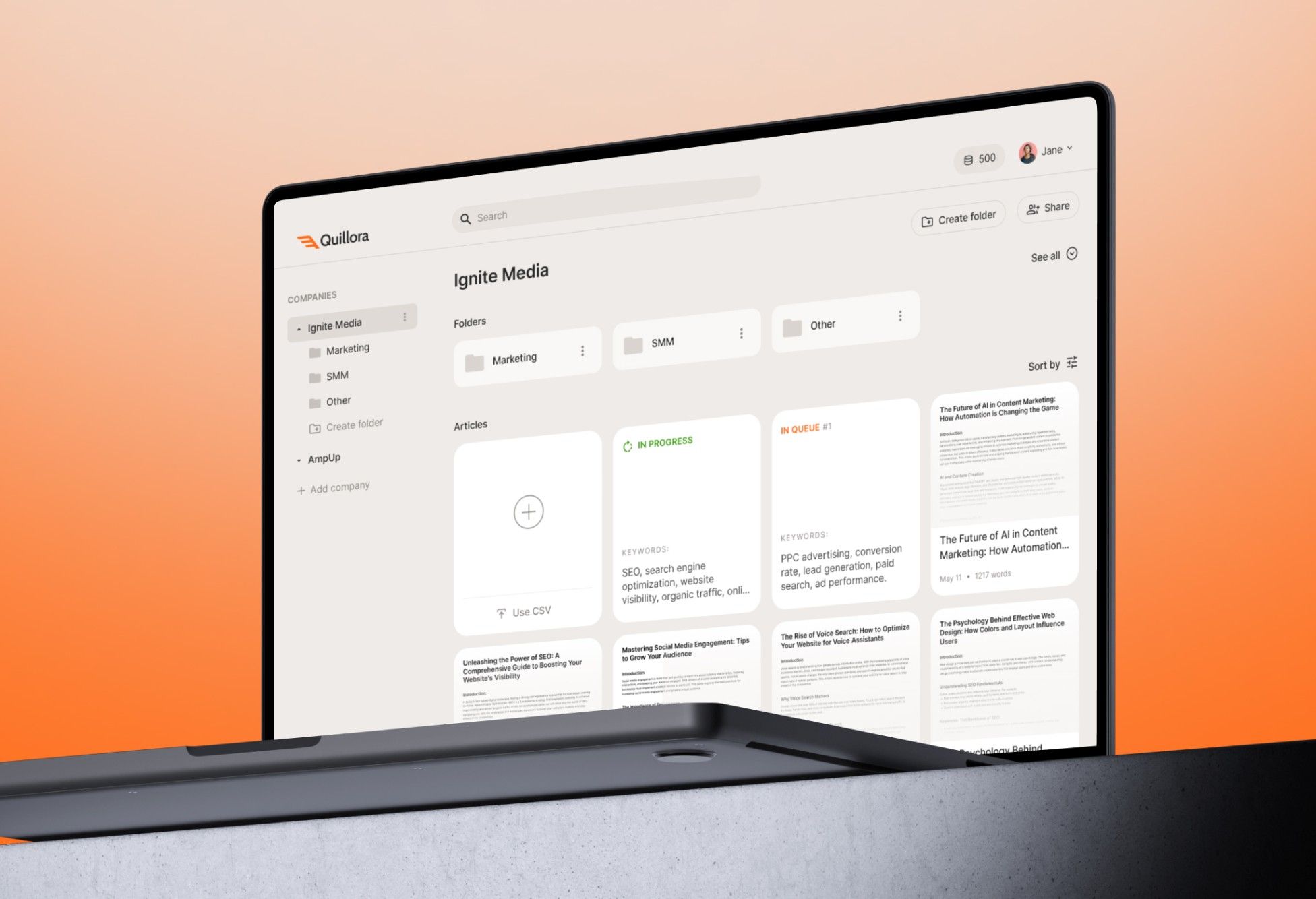
The brief: Quillora's founders, with strong development experience, wanted an AI platform that writes SEO-optimized articles for agencies and businesses. It had to feel simple for first-time users, still give SEO experts full control - and it needed a brand once the product took shape.
What I did:
- Turned the requirements into user flows and detailed wireframes for the whole content pipeline.
- Designed two modes: full automation for speed and expert control over outlines and parameters.
- Added version control, manual editing and organization by projects, companies and tags.
- Designed sharing and roles - view and edit access, company accounts and permissions.
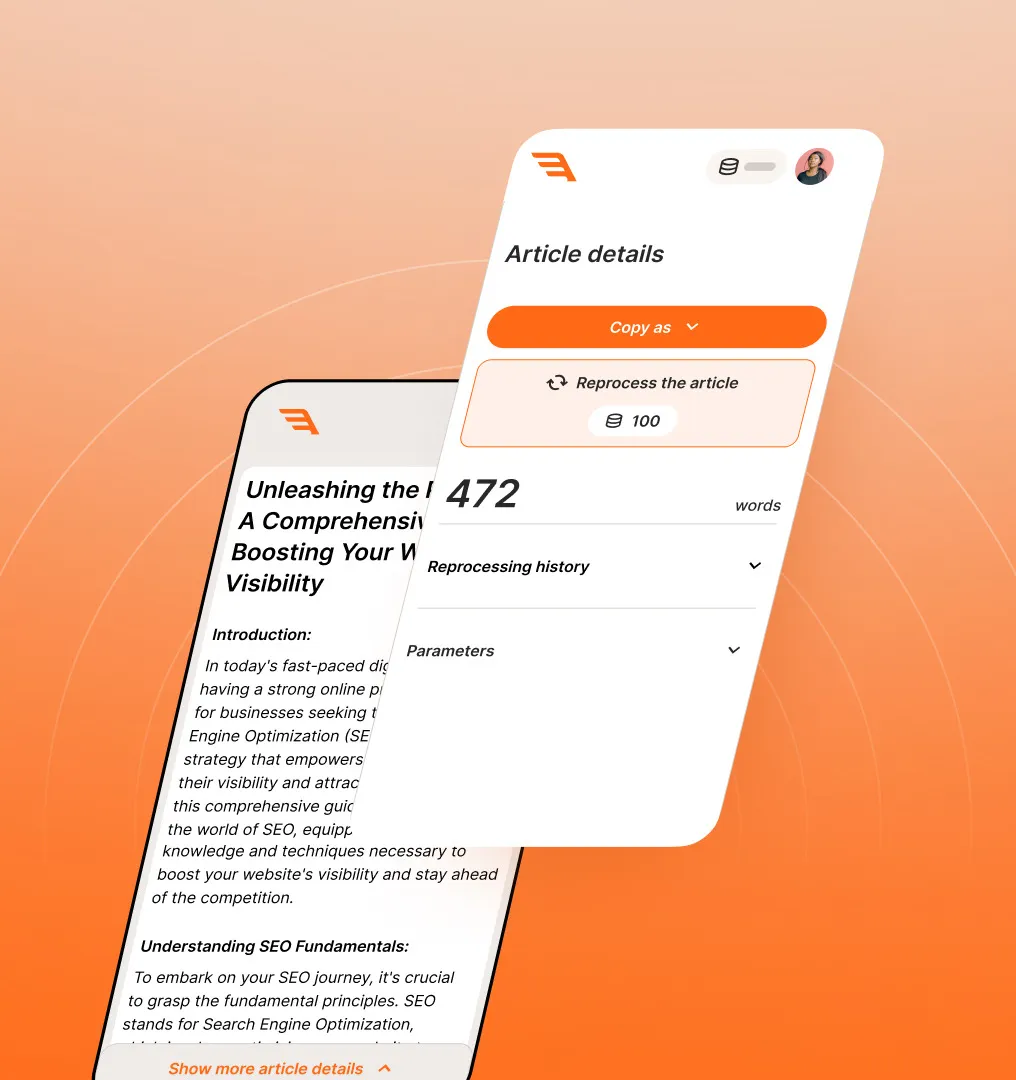
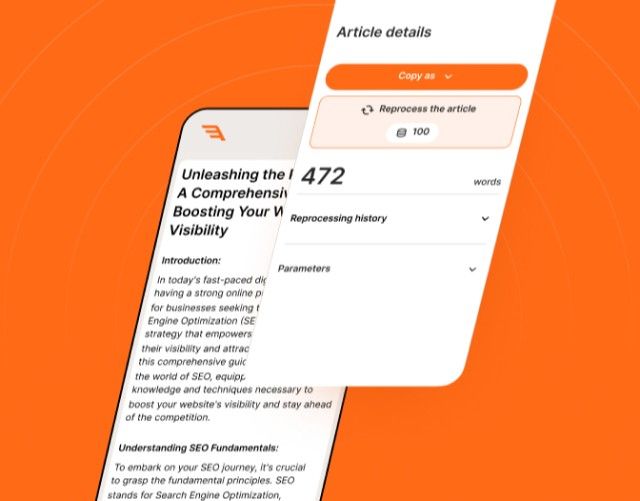
- Built the design system and mobile layouts for reviewing and editing on the go.
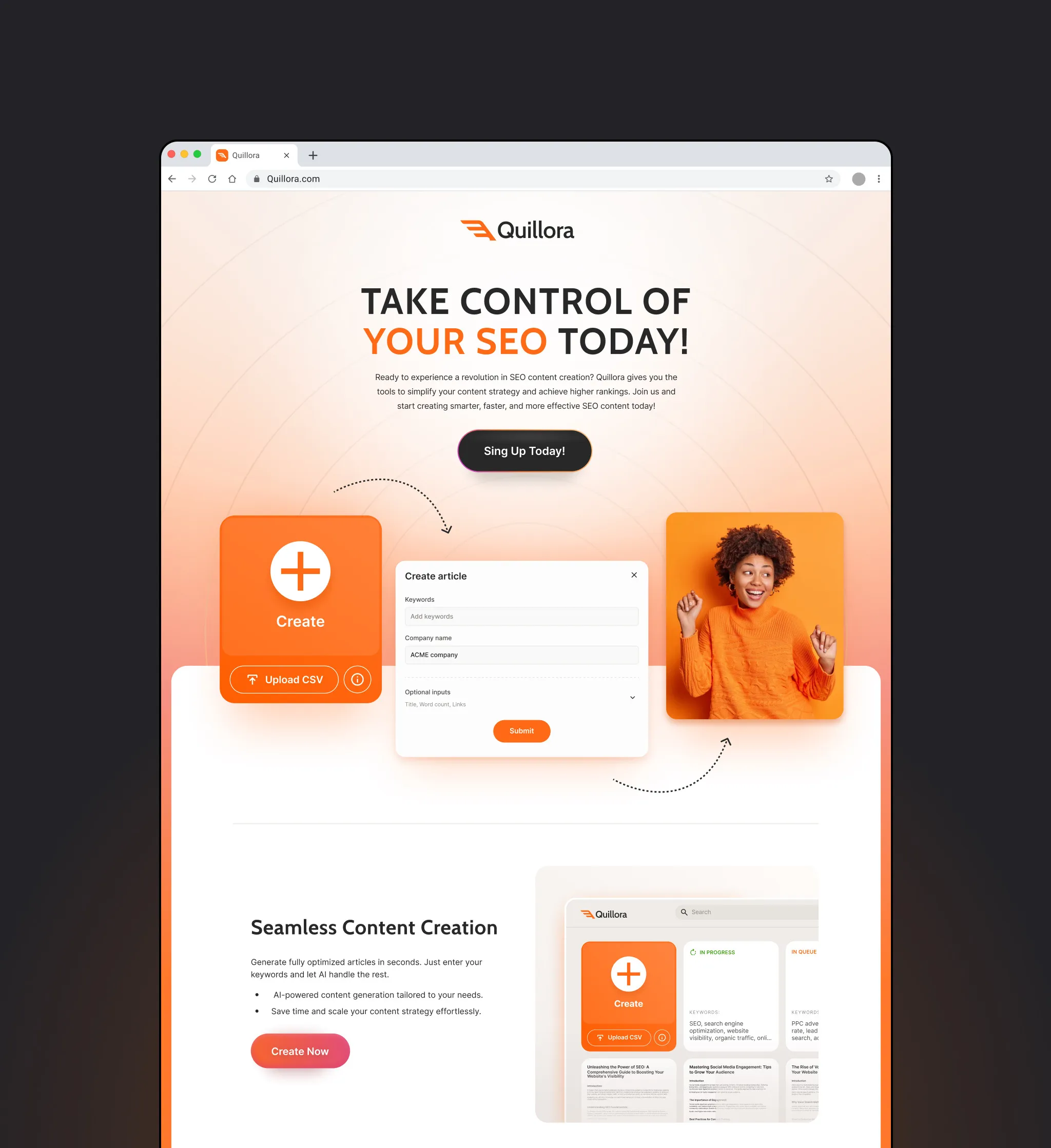
- Created the brand identity, landing page and launch assets with the Efficy team.
Result: Quillora launched with a product, brand and website designed as one system - automation for speed, control for experts, and a structure ready for team features.


Design process
1.Research & exploration
- Stakeholder interviews
- Competitor analysis
- User flows
- Low-fidelity wireframes
2.Branding
- Visual direction exploration
- Client testing
- Brand guidelines
3.Design & prototyping
- High-fidelity screens
- Design system
- Work with developers
4.Website & marketing
- Website pages
- Ads, social and blog visuals
Wireframing & iterations
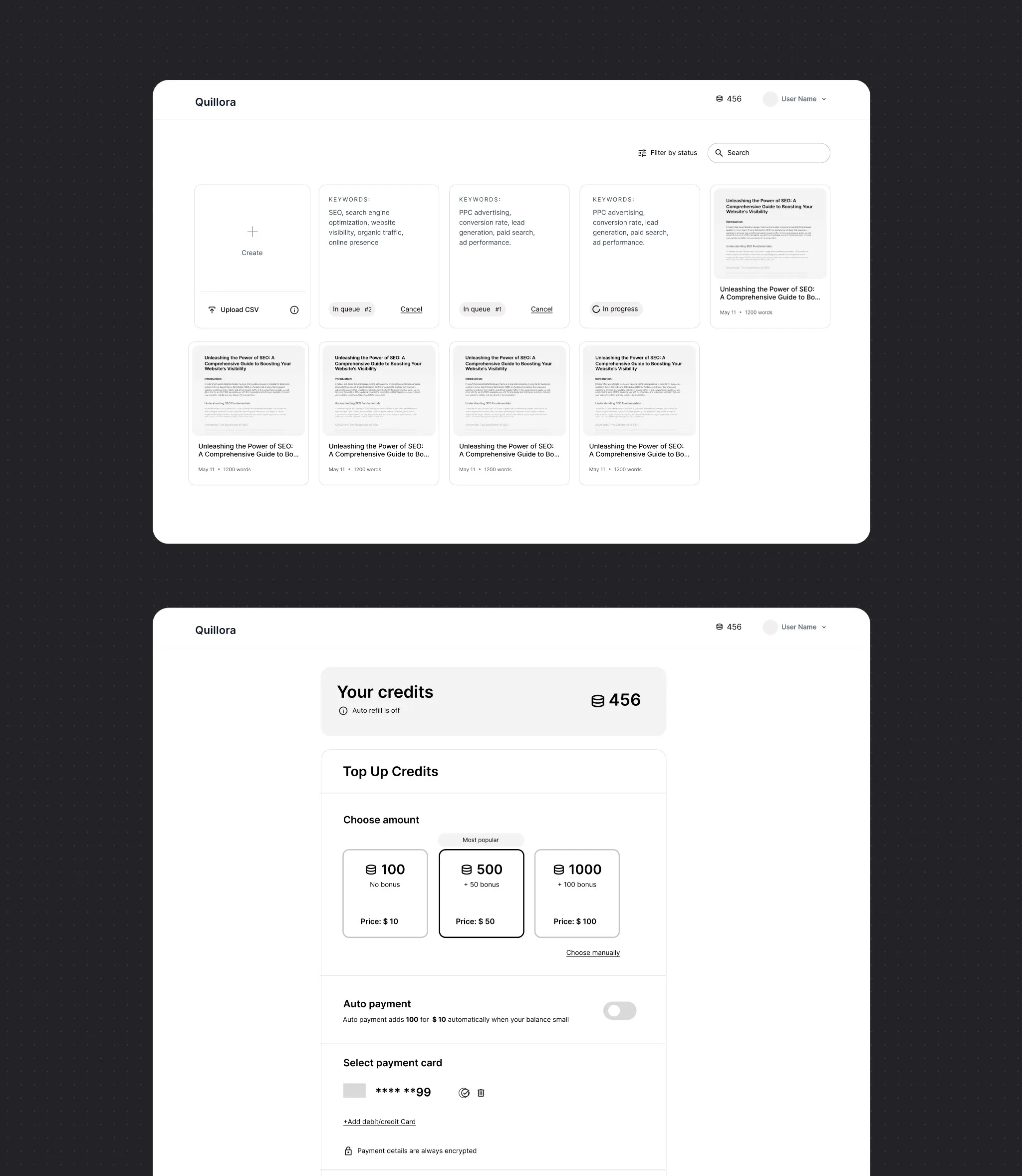
Detailed wireframes mapped the whole product, from the article library to credit top-ups - the blueprint for the build.
Branding & visual identity
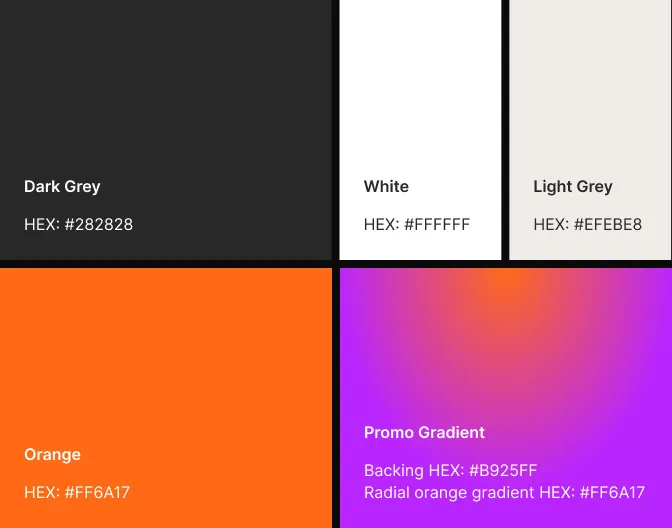
A bold orange on dark and warm light greys, a promo gradient, clean type and 3D illustrations - carried through product, site and marketing.



Features
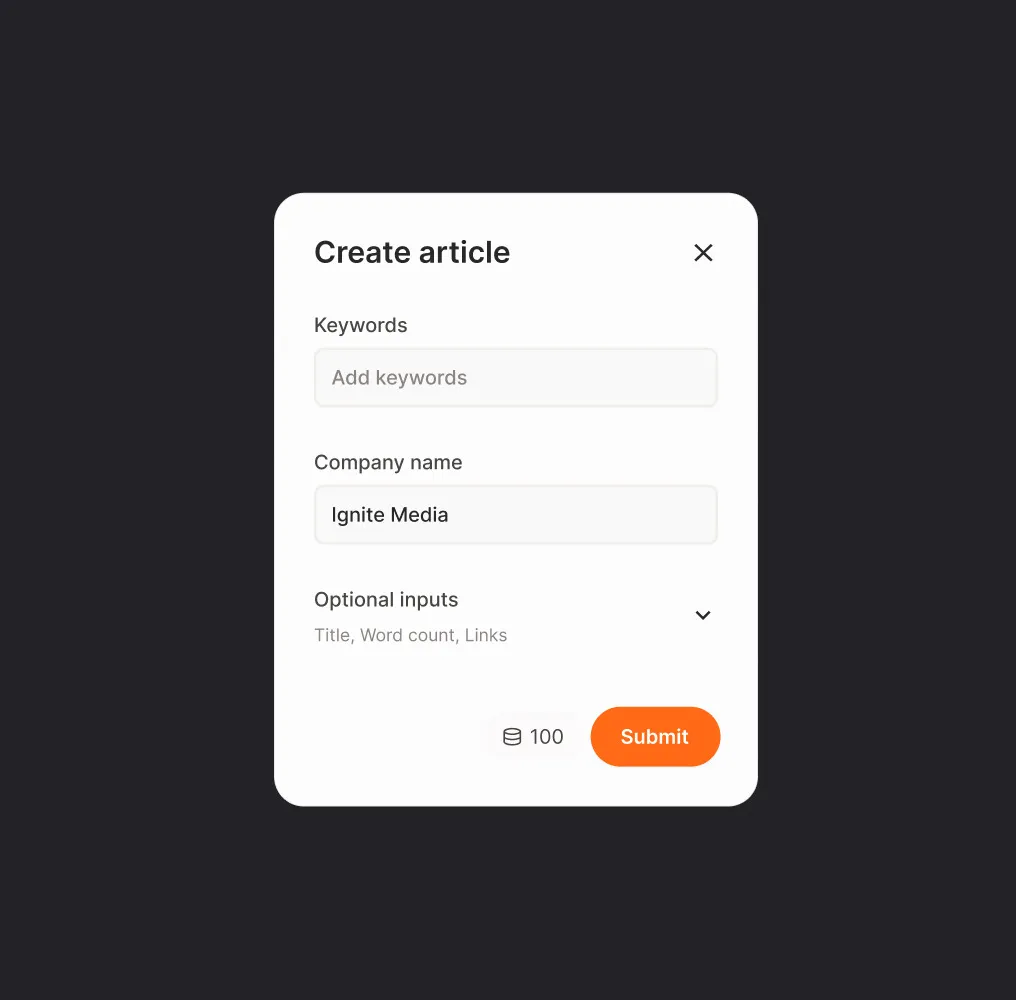
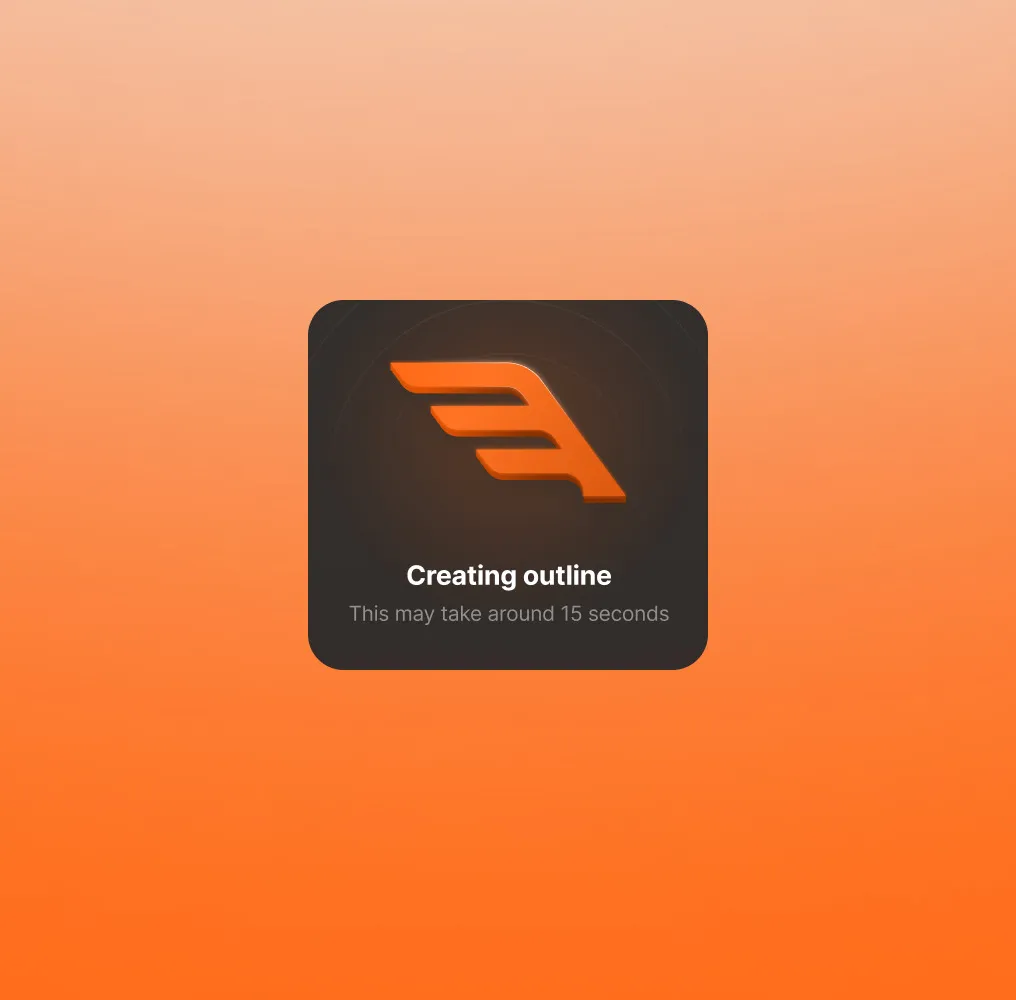
Full automation
Users enter their requirements and get a fully optimized article - a big time saver for agency teams.
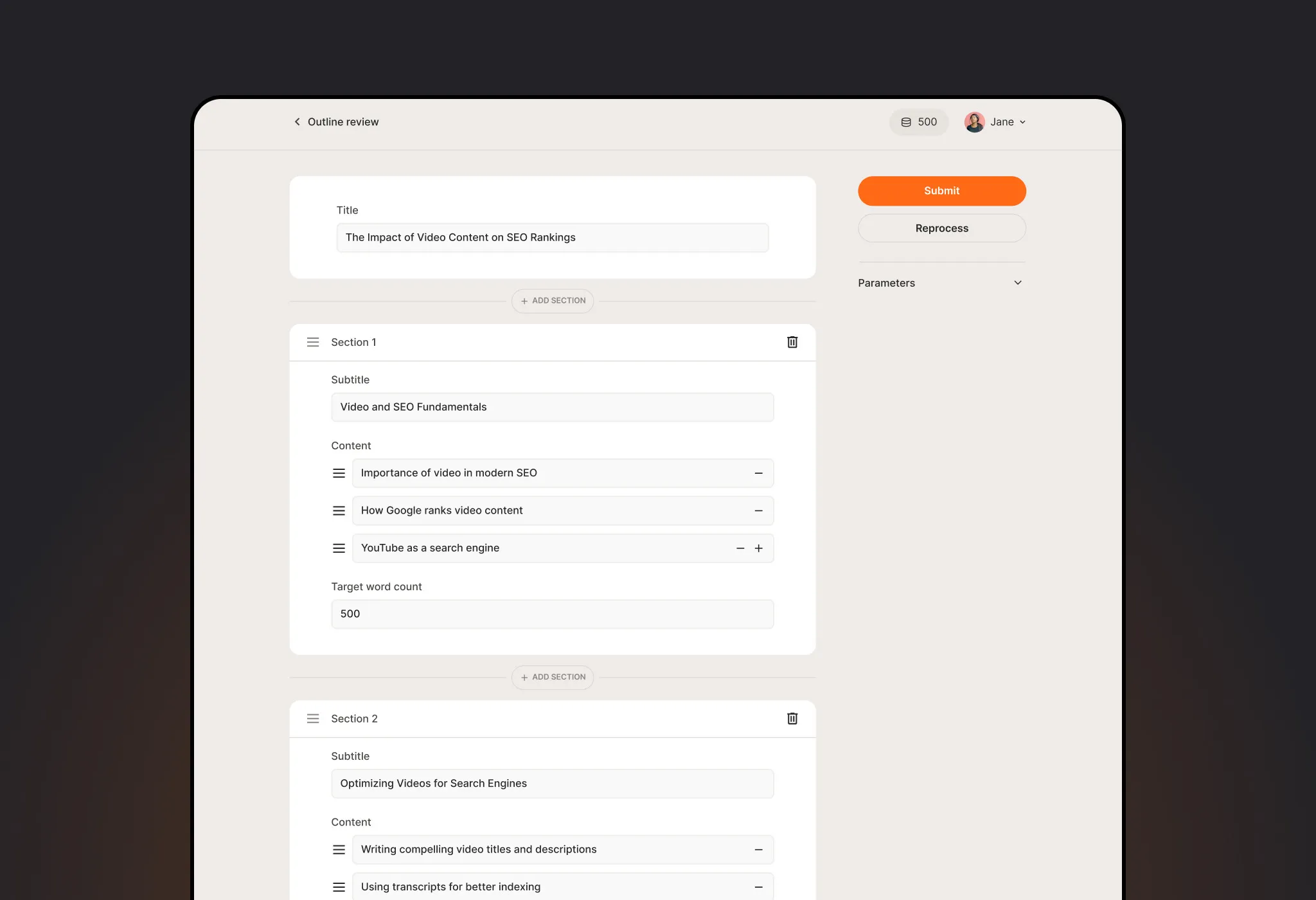
Control for experts
Advanced users shape outlines and parameters to match a specific SEO strategy.
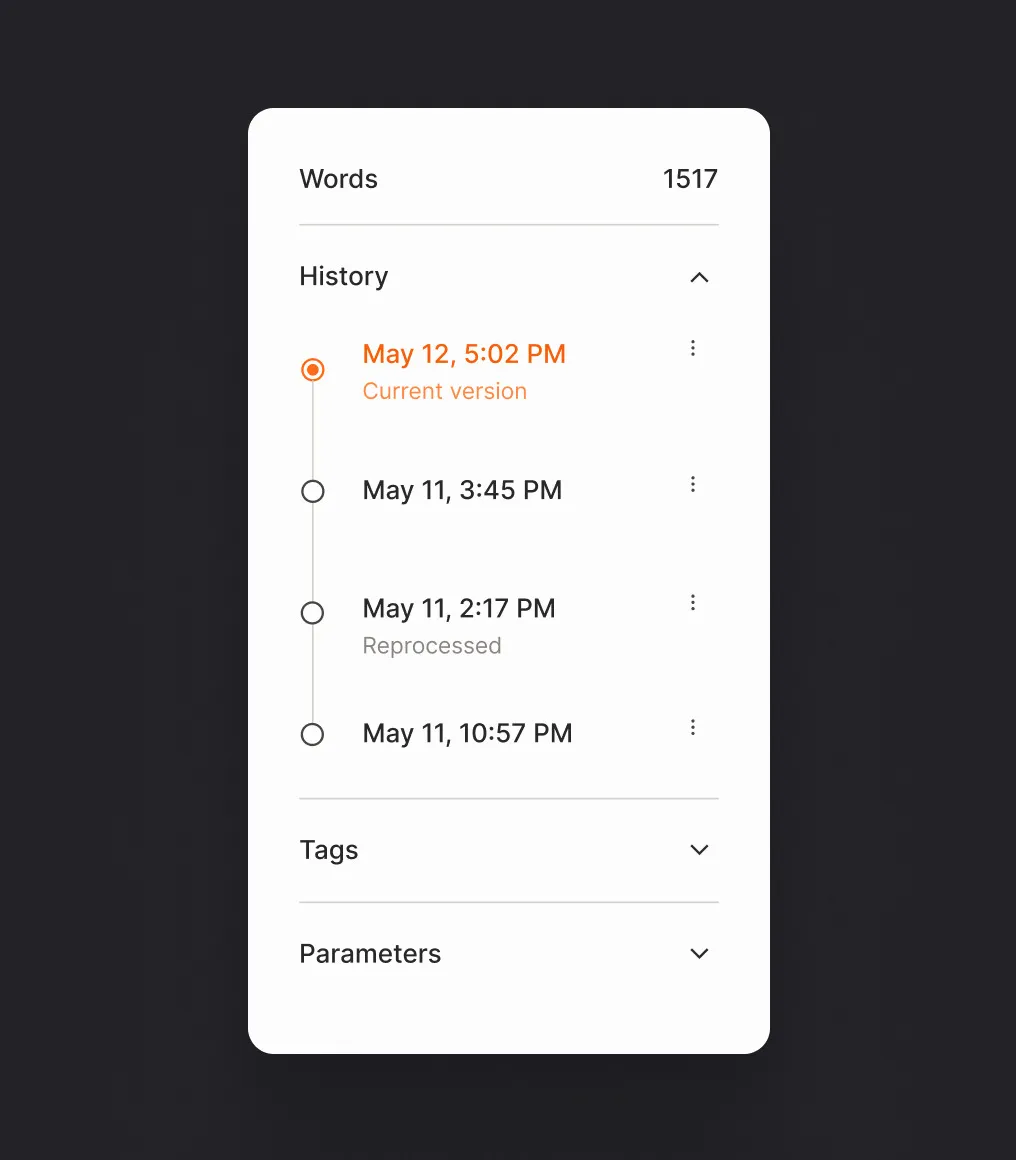
Version control
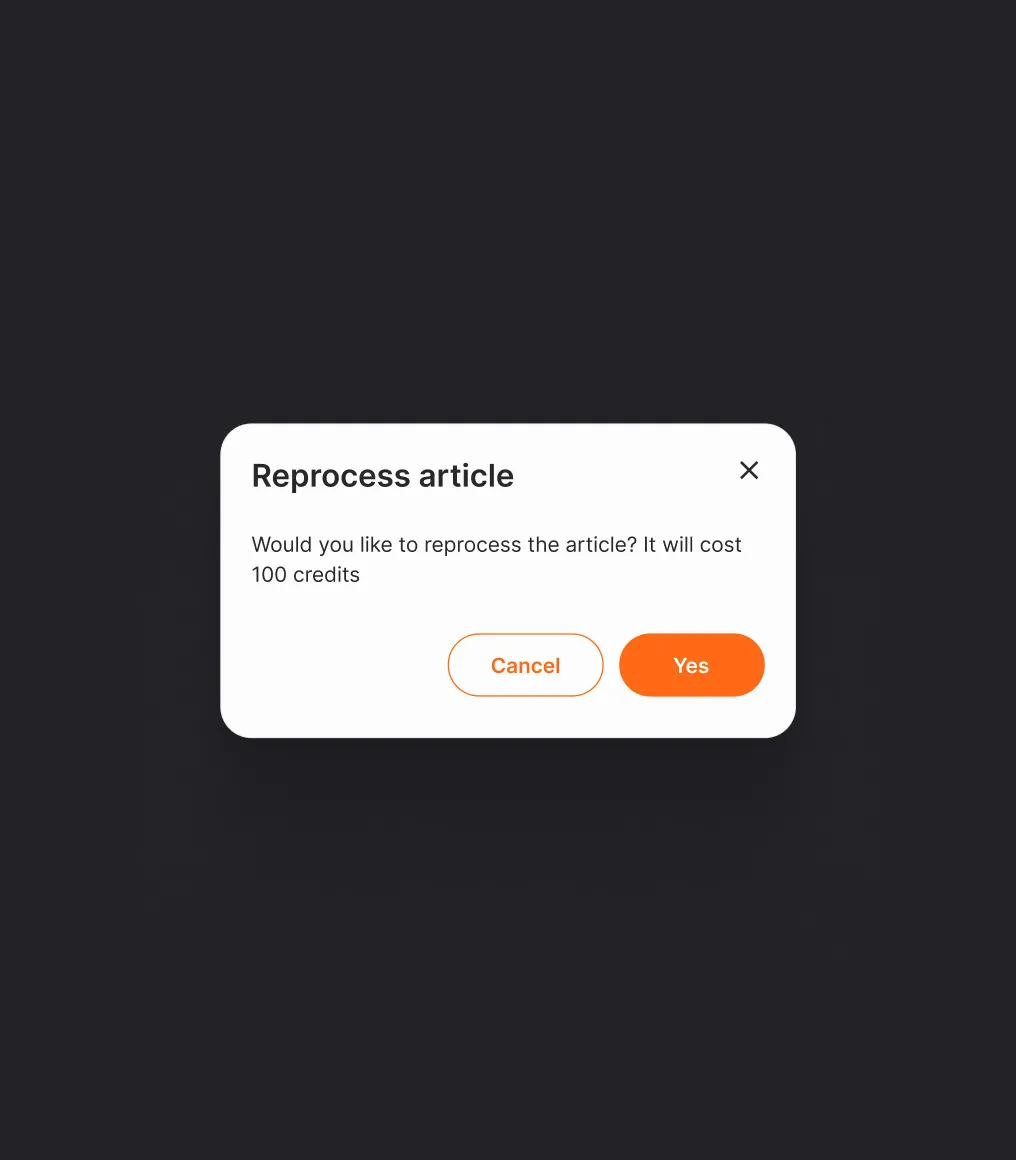
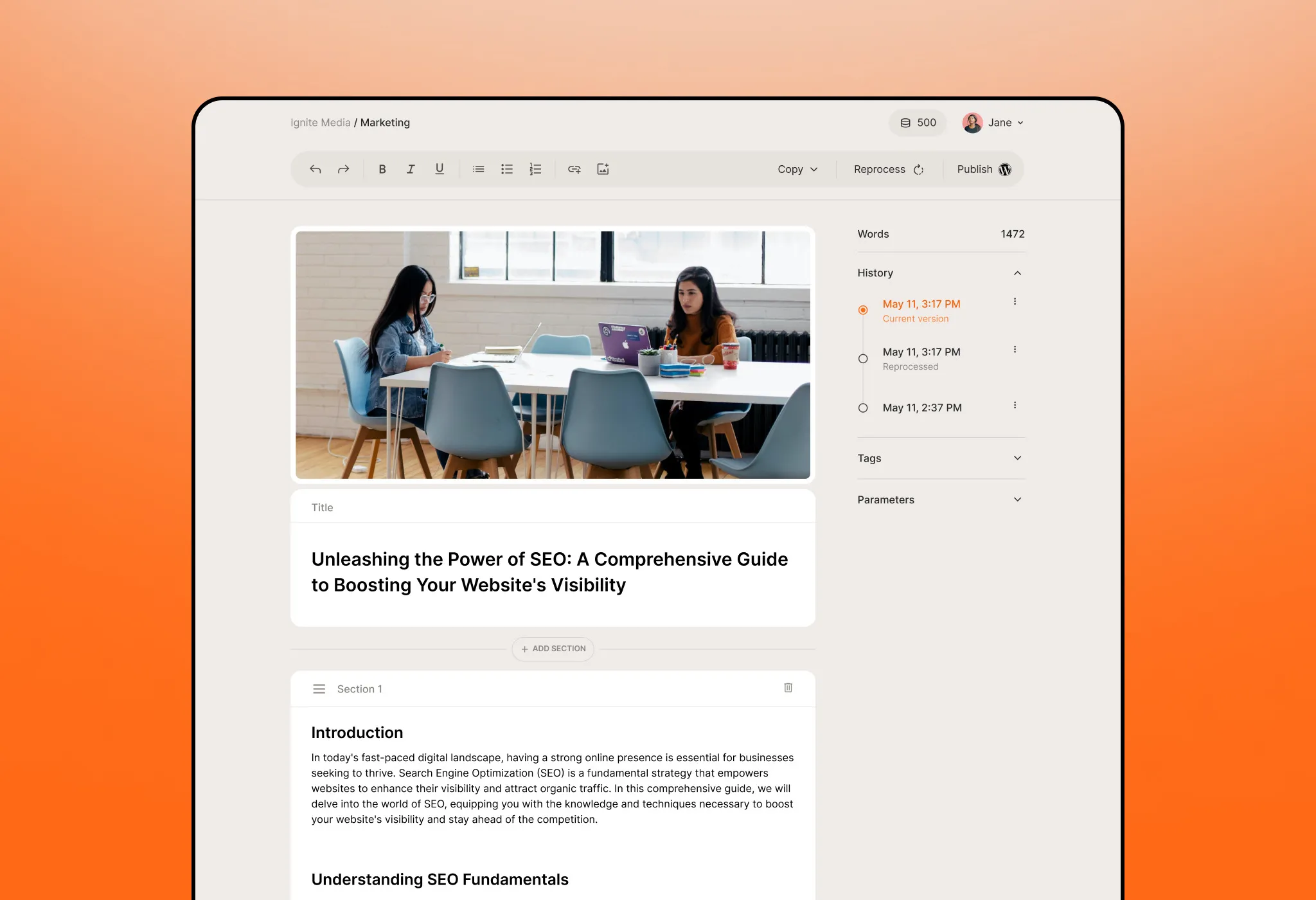
Every version stays in the history, so users can roll back at any point - or reprocess the article for credits.
Full control over the result
Edit text, reorder sections and change titles or covers after generation.
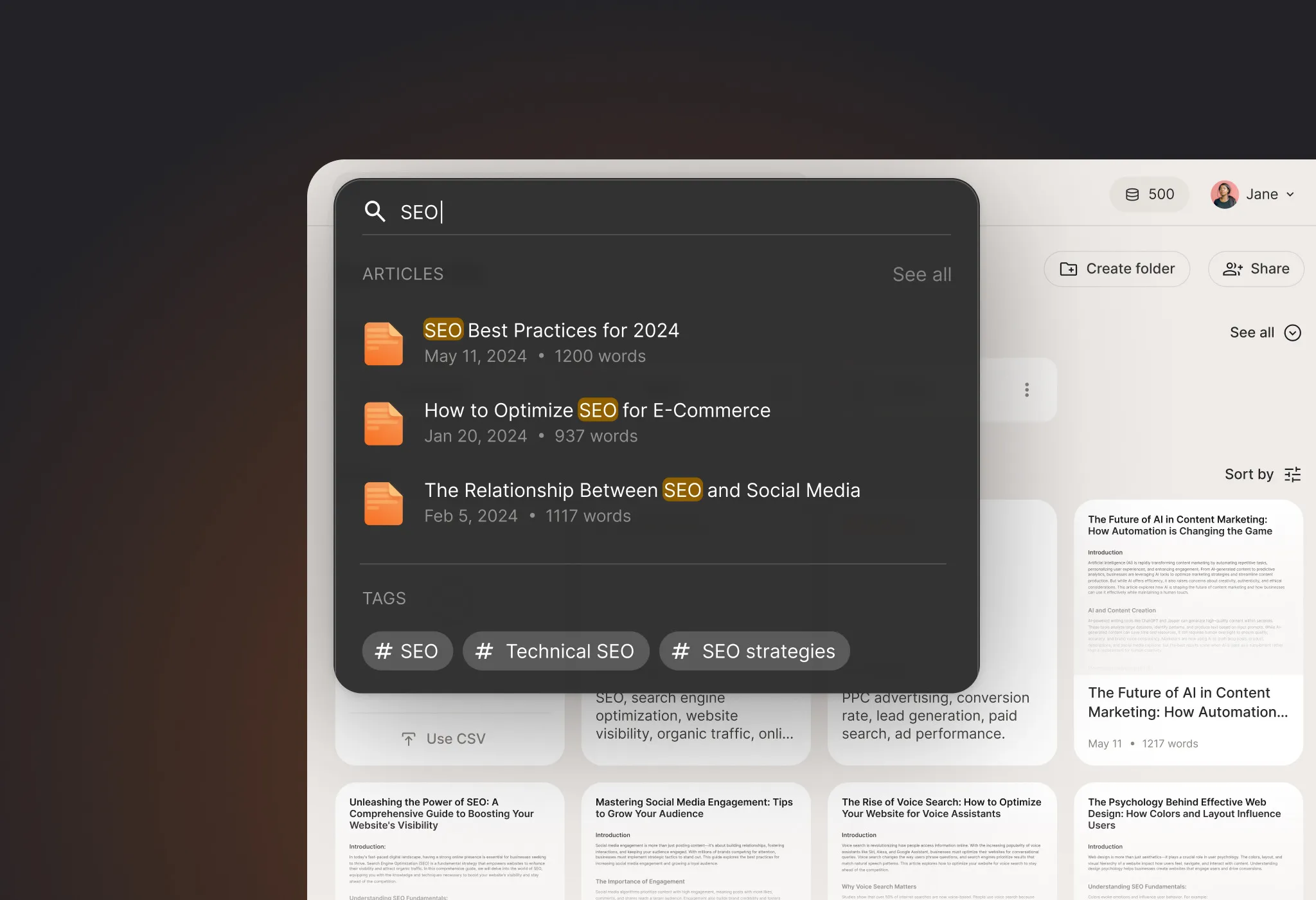
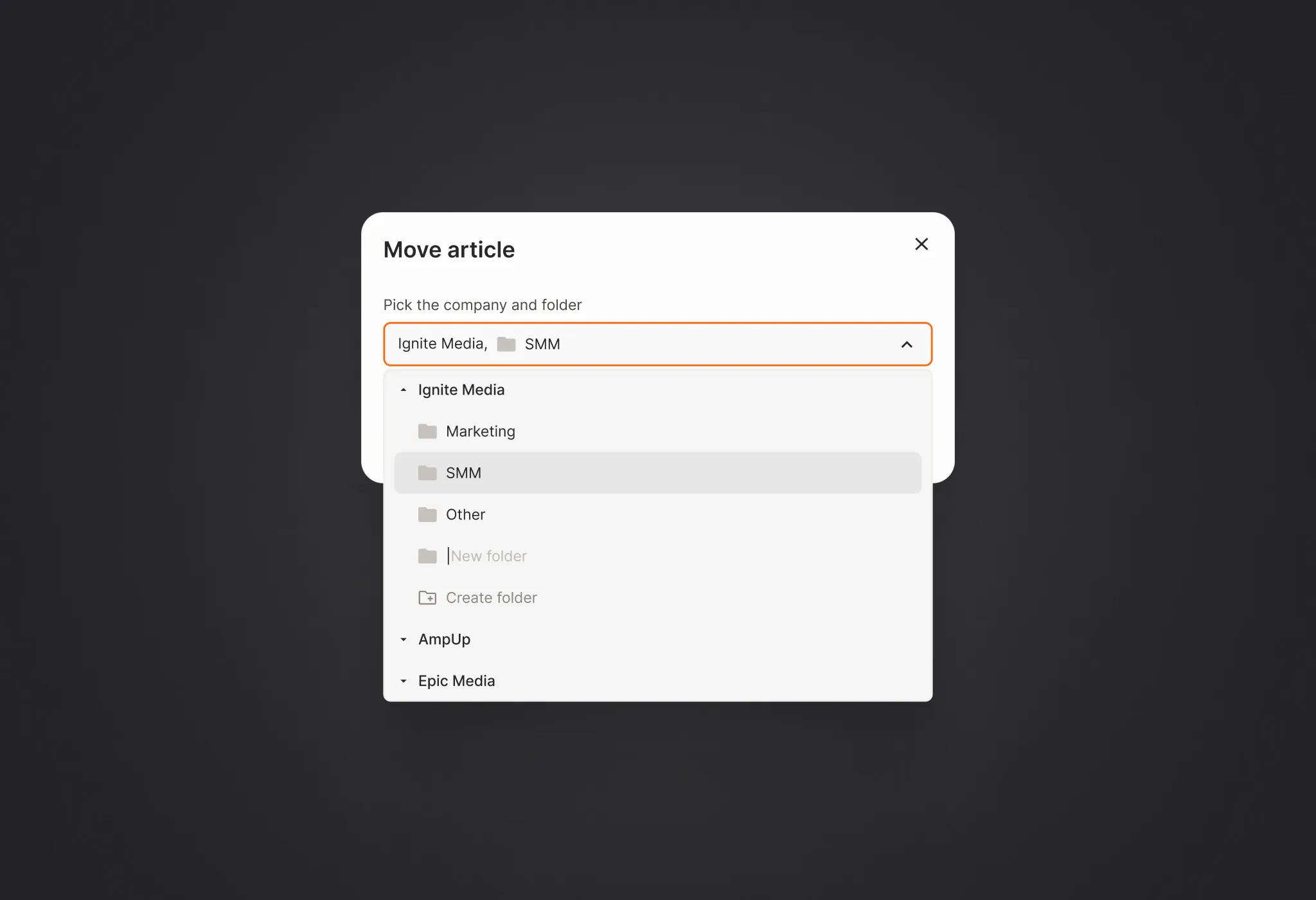
Content management
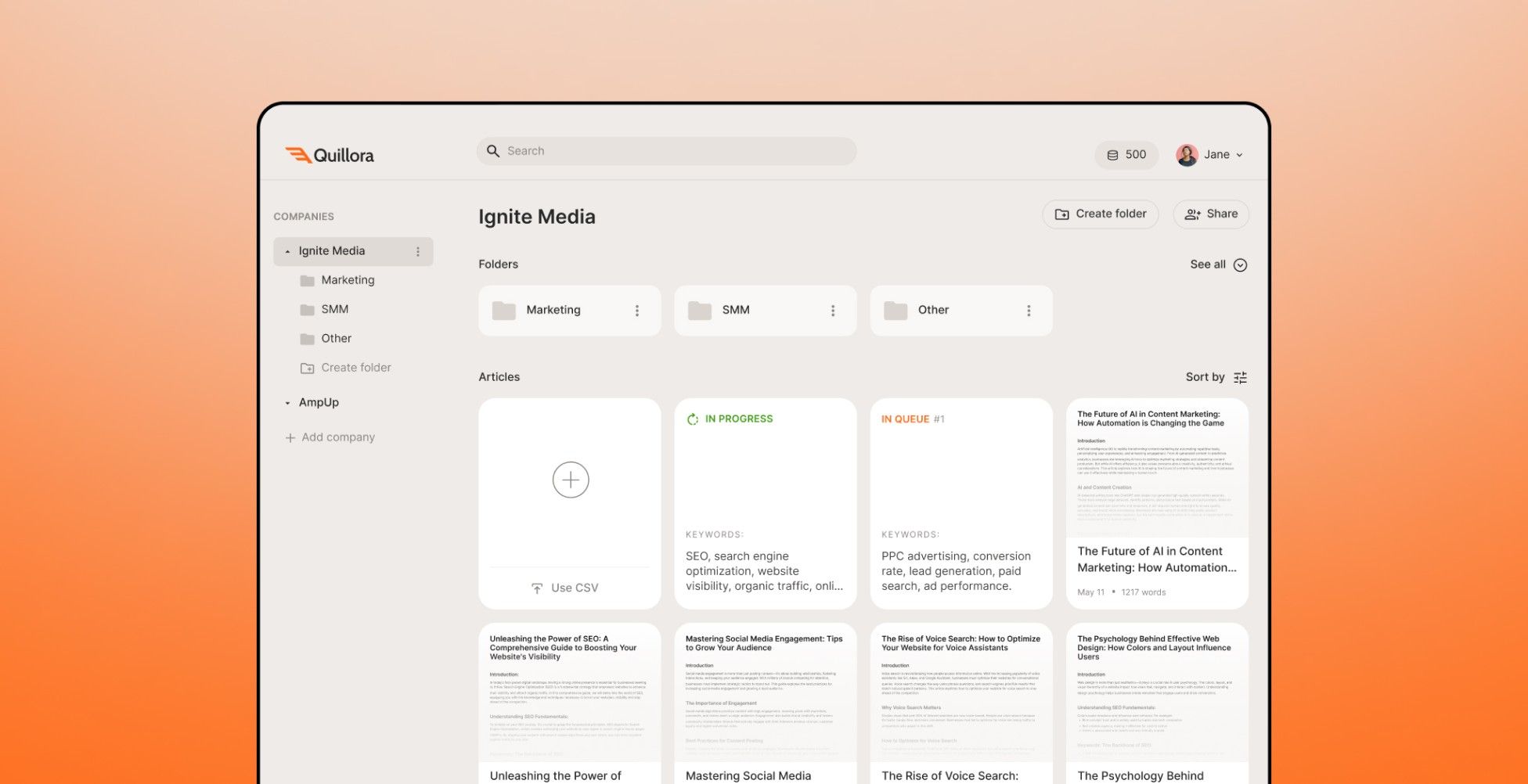
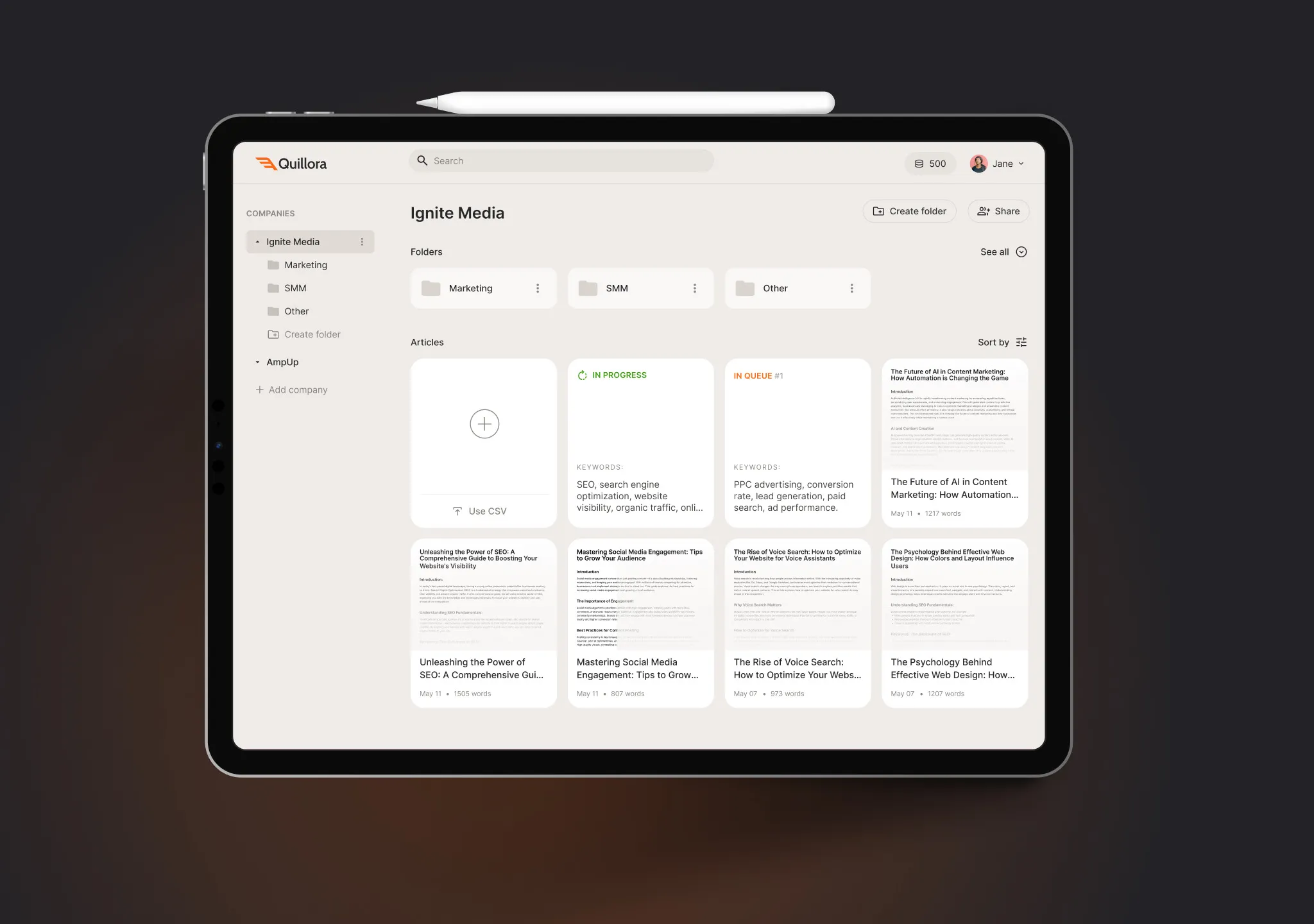
Search across articles and tags, and company folders to move each article where it belongs.
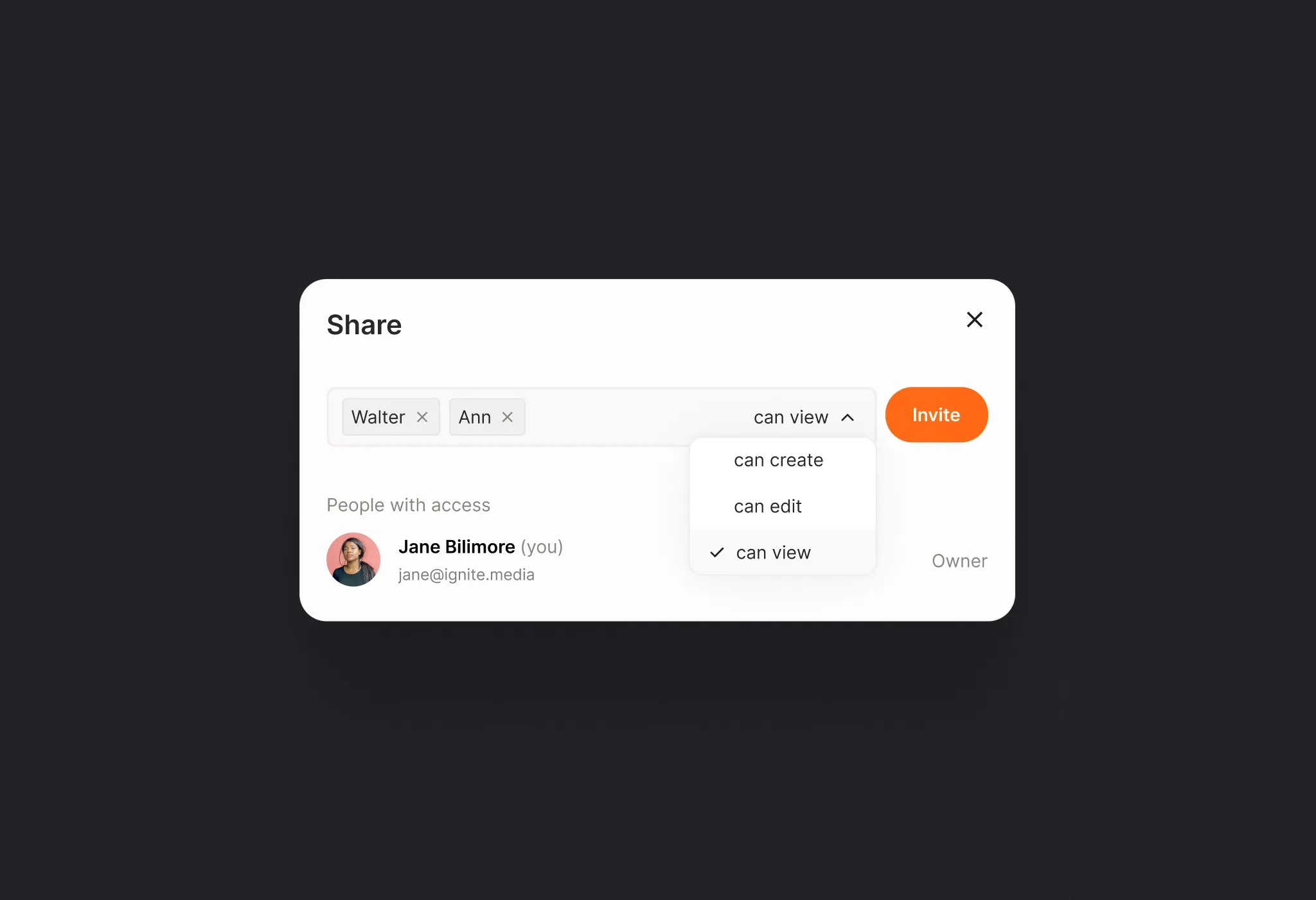
Sharing
Invite teammates and clients with view, edit or create rights.
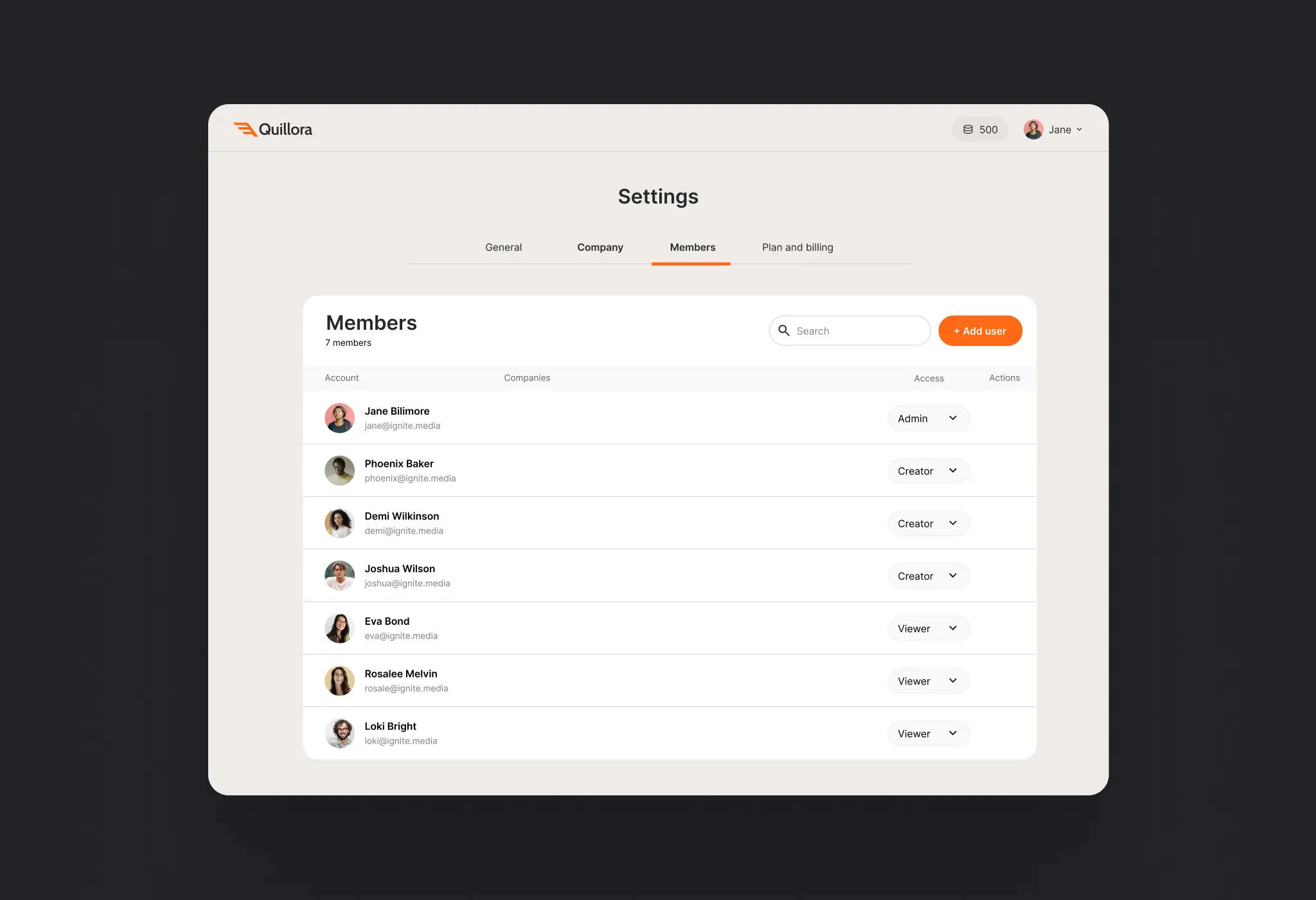
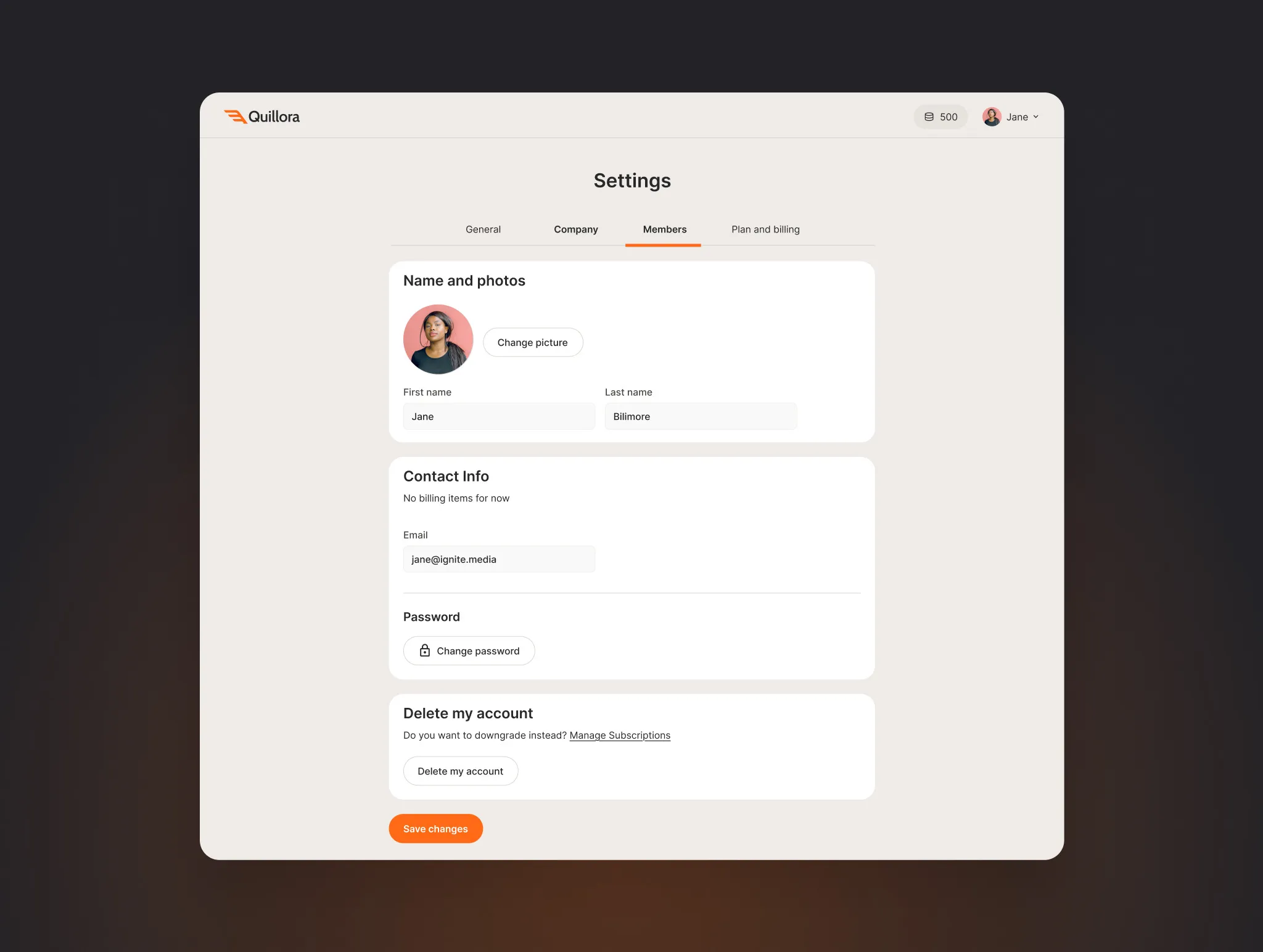
Company & user management
Company accounts, roles and permissions; admins invite members and control access.
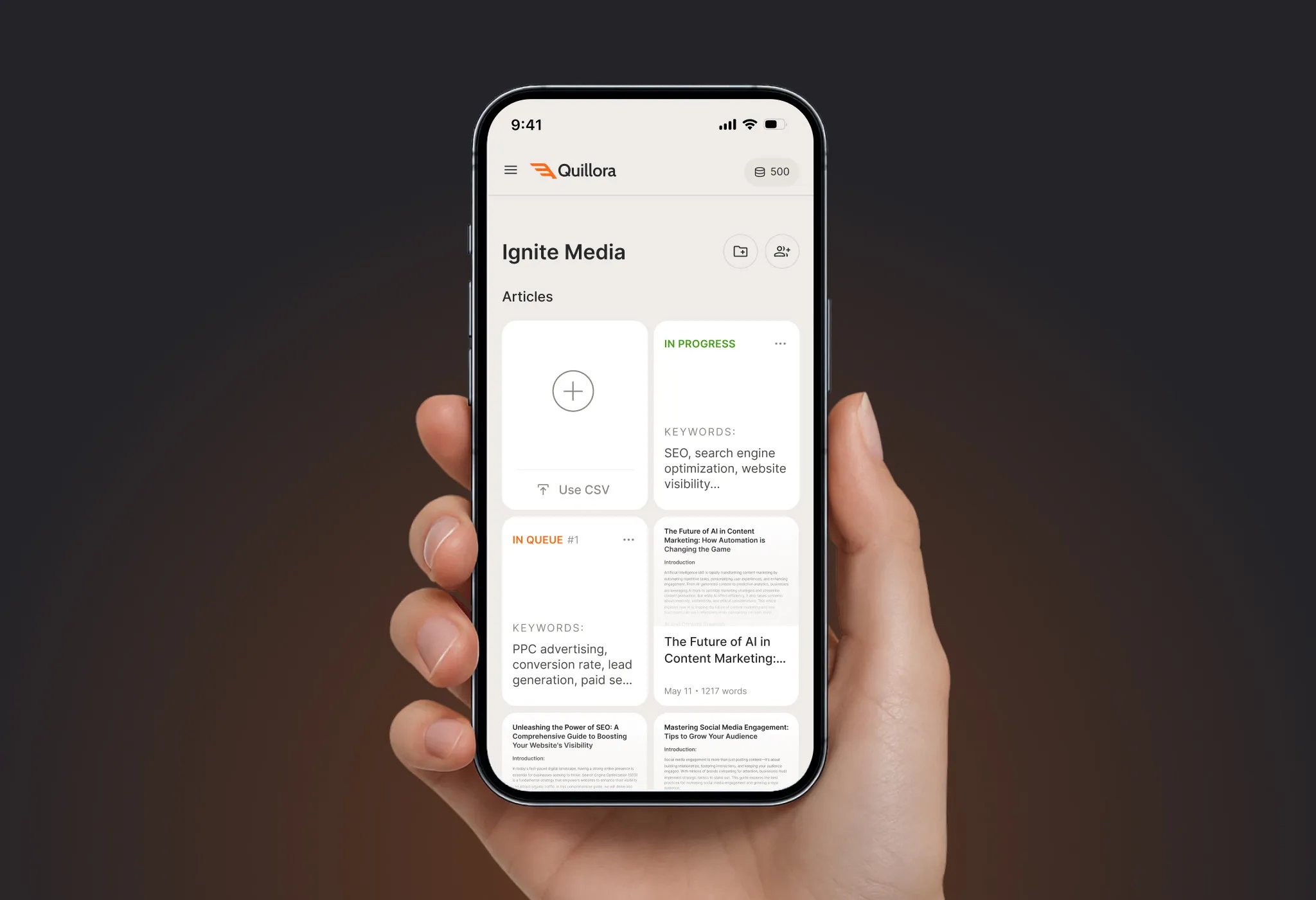
Mobile
Managers follow articles in progress and in the queue, and open finished texts from their phone.
Website & marketing
Landing pages for the launch, plus ads and social visuals in the same orange style.